TV remote from phone via Bluetooth: setup, apps, and limits
A TV remote from phone via Bluetooth can be useful when the original remote is lost, broken, or out of reach. However, Bluetooth TV control is not as universal as Wi-Fi remote apps or infrared blasters. This guide explains when Bluetooth control works, how to pair your phone with a smart TV or streaming device, which apps to try, and what to do if your TV does not support phone-based Bluetooth remote control.
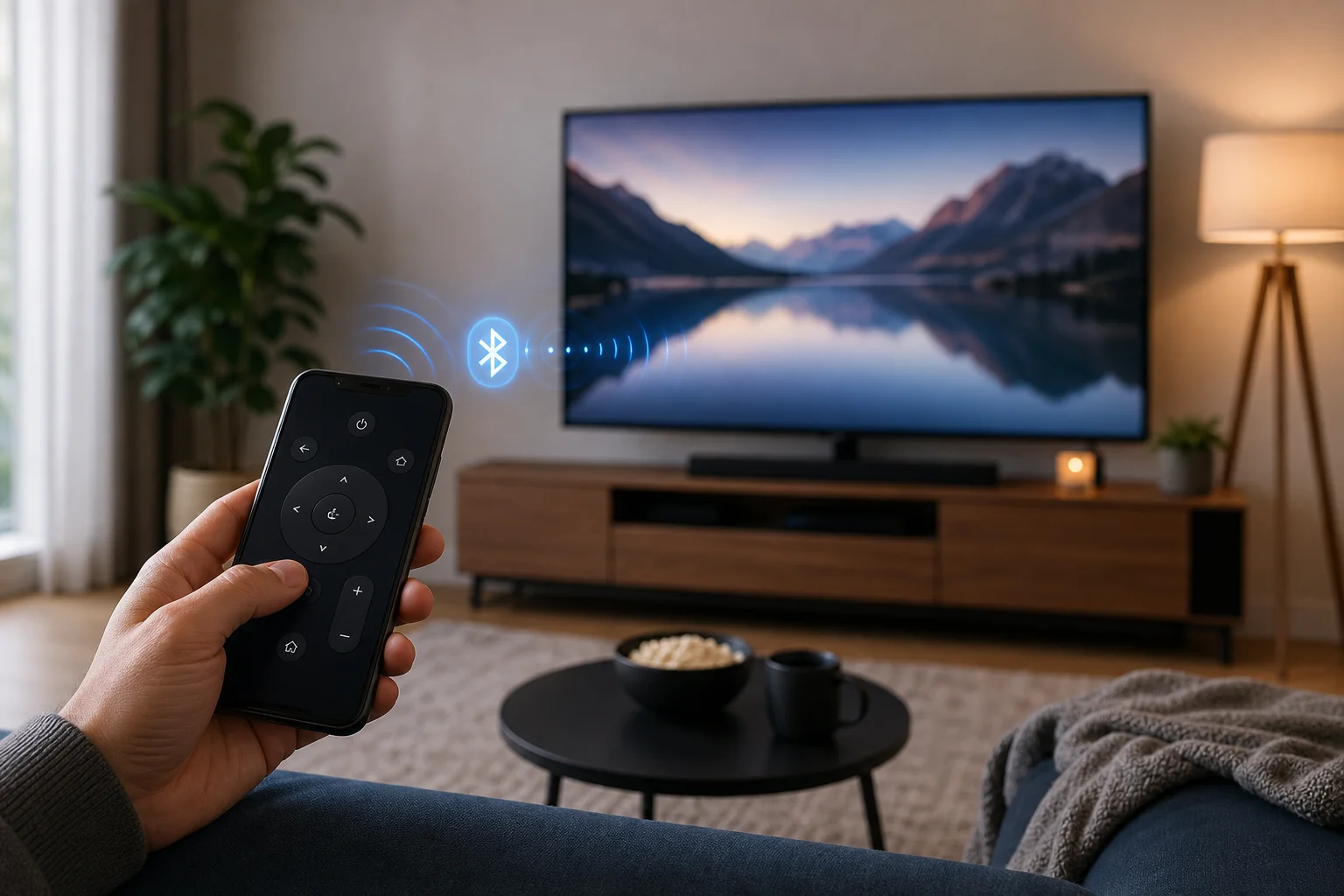
What a Bluetooth TV remote from a phone can and cannot do
Bluetooth can connect a phone to a TV, Android TV box, Google TV device, Fire TV, or some streaming sticks. Once paired, it may let the phone act as an input device, keyboard, mouse, game controller, or media controller.
Still, there is an important limit: many televisions do not accept a phone as a full Bluetooth remote. They may support Bluetooth headphones, speakers, keyboards, or gamepads, but not remote-control commands from a phone. In those cases, the official remote app usually works over Wi-Fi instead.
In practice, phone-based TV control usually works in one of four ways:
- Bluetooth HID input: your phone acts like a keyboard, mouse, or controller.
- Official app over Wi-Fi: the TV and phone are on the same network.
- Infrared blaster: some Android phones can send IR commands like a traditional remote.
- Casting control: apps such as YouTube or Netflix control playback after connecting to the TV.
So, if you specifically want a remote for TV from a phone through Bluetooth, first check whether your TV or streaming device supports Bluetooth input from phones.
Best cases for using Bluetooth instead of Wi-Fi
Bluetooth is most useful when Wi-Fi is unavailable, unstable, or not yet configured. For example, you may need to control a new Android TV box before connecting it to your home network. It can also help when entering passwords, navigating setup screens, or using a phone as a keyboard.
Bluetooth can be a good option if:
- Your TV runs Android TV or Google TV and supports Bluetooth accessories.
- You use a streaming box that allows Bluetooth input devices.
- Your phone has an app that can emulate a keyboard, mouse, or controller.
- You need short-range control in the same room.
However, Wi-Fi remote apps are often better for daily use. They tend to support power, volume, app launch buttons, touchpads, voice input, and channel controls more reliably.
Compatibility checklist before you start
Before installing apps or changing settings, confirm these points:
| Requirement | Why it matters | What to check |
|---|---|---|
| Bluetooth on the TV or device | The phone needs something to pair with | Look for Bluetooth in TV settings |
| Input device support | Audio-only Bluetooth will not work as a remote | Check for keyboard, mouse, or controller support |
| Compatible phone app | The phone must send usable commands | Try official apps first, then HID apps |
| Short distance | Bluetooth range is limited | Stay in the same room during pairing |
| Updated software | Pairing bugs are common on older firmware | Update the TV, streaming device, and phone |
If your TV only lists Bluetooth speakers or headphones, it may not support remote control from a phone via Bluetooth. In that case, skip to the Wi-Fi and IR alternatives below.
How to set up a TV remote from phone via Bluetooth
The exact menu names vary by brand, but the basic process is similar on most compatible smart TVs and streaming devices.
Step-by-step setup
-
Turn on Bluetooth on your phone.
On Android, open Settings, then Bluetooth. On iPhone, open Settings, then Bluetooth. -
Open Bluetooth settings on the TV or streaming device.
Look for Settings, Remotes and accessories, Bluetooth, Controllers, or Connected devices. -
Put the TV in pairing mode.
Choose an option such as Add accessory, Pair new device, or Add Bluetooth device. -
Select the TV on your phone, or select the phone on the TV.
Some devices require you to start pairing from the TV. Others show the TV name in the phone’s Bluetooth list. -
Confirm the pairing code.
If both screens show a code, confirm it on both devices. -
Open a compatible remote or input app.
A normal Bluetooth connection alone may not create remote buttons. You may need an app that sends keyboard, mouse, or controller commands. -
Test navigation.
Try arrow keys, Enter, Back, volume, and text input. If only some controls work, your device may support limited Bluetooth input. -
Save the connection.
Once paired, the phone may reconnect automatically. If it does not, open Bluetooth settings and tap the TV name again.
If pairing fails, restart both devices and try again. Also remove old Bluetooth accessories if the TV has reached its pairing limit.
Apps that may help control a TV from a phone
There is no single Bluetooth remote app that works with every television. The best app depends on your TV platform and what kind of connection it supports.
Official TV and platform apps
Start with the official app for your TV or operating system. These apps usually work over Wi-Fi, but they are more reliable than generic Bluetooth remote apps.
Common options include:
- Google TV app: controls many Android TV and Google TV devices over the local network.
- Samsung SmartThings: controls many Samsung smart TVs.
- LG ThinQ: controls supported LG TVs.
- Roku mobile app: controls Roku TVs and streaming players over Wi-Fi.
- Fire TV app: controls Amazon Fire TV devices over Wi-Fi.
These apps may not use Bluetooth for full control. Still, they are often the easiest way to replace a lost remote.
Bluetooth keyboard and mouse apps
On Android, some apps can make the phone behave like a Bluetooth keyboard, mouse, or gamepad. This can work with TVs and Android TV boxes that support Bluetooth HID devices.
Look for apps that clearly mention Bluetooth keyboard, Bluetooth mouse, HID, or controller mode. Read the permissions and reviews carefully. Avoid apps that ask for unnecessary access or push intrusive ads.
On iPhone, Bluetooth HID remote control is more restricted. iOS does not generally let apps turn the iPhone into a universal Bluetooth keyboard or remote for every TV. For iPhone users, official Wi-Fi apps are usually the better route.
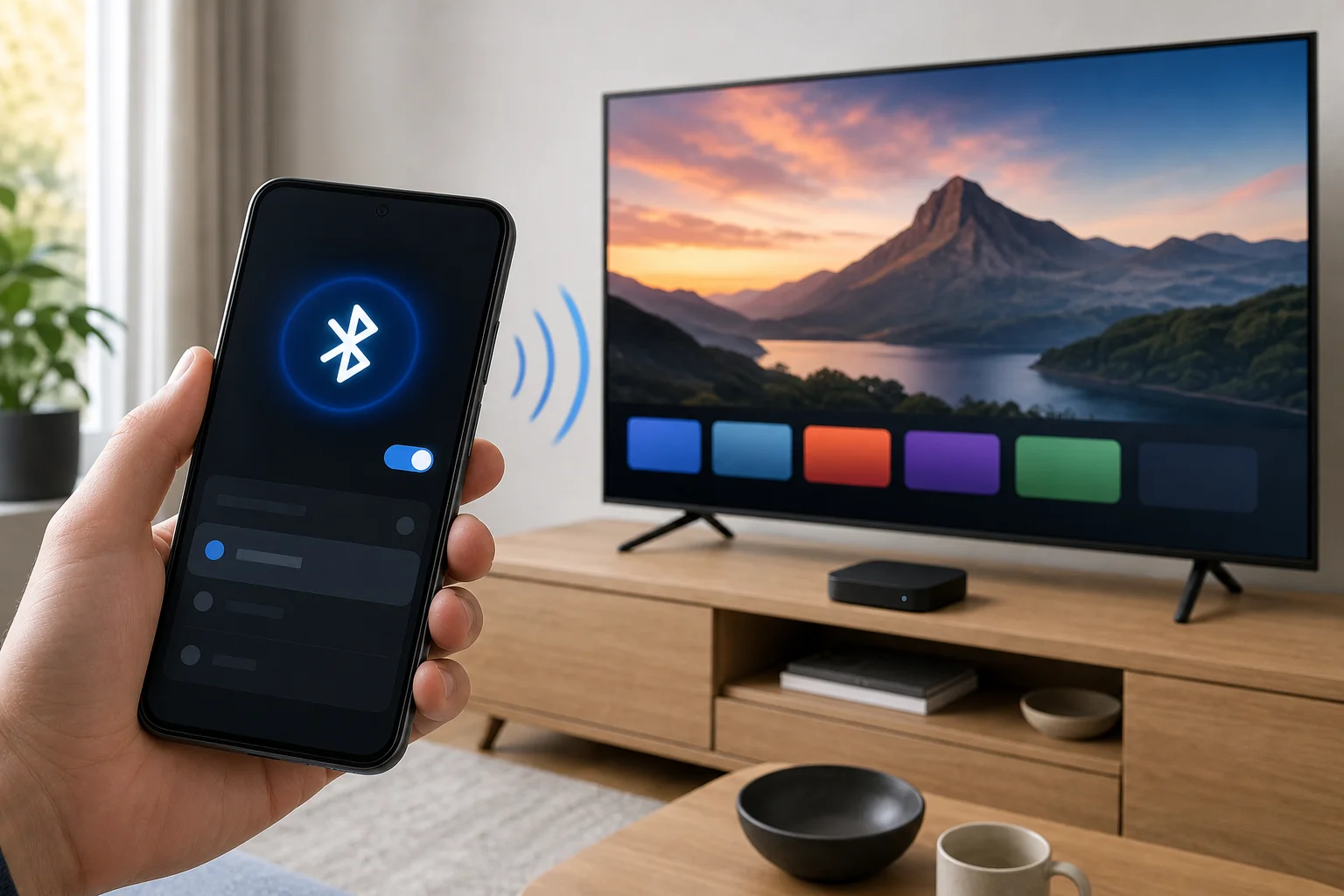
Bluetooth versus Wi-Fi versus infrared
Choosing the right control method saves time. Bluetooth is not always the best solution, even when it sounds convenient.
| Method | Best for | Pros | Cons |
|---|---|---|---|
| Bluetooth | Short-range input, setup screens, keyboards | Works without Wi-Fi in some cases, low power | Limited TV support, partial controls |
| Wi-Fi app | Smart TVs and streaming devices on a home network | Most complete controls, easy text entry | Requires same network, setup may need a remote |
| Infrared blaster | Older TVs and basic remote replacement | Works like a normal remote, no pairing | Only on phones with IR hardware |
| HDMI-CEC | Controlling devices through the TV remote | Reduces number of remotes | Not phone-based and can be inconsistent |
If your goal is to turn the TV on and off, change volume, and switch inputs, Wi-Fi or infrared may work better than Bluetooth. If your goal is to type, navigate menus, or control an Android TV device nearby, Bluetooth may be enough.
What to do if Bluetooth remote control does not work
Bluetooth pairing problems are common, but many have simple fixes.
Try these steps in order:
-
Check whether the TV supports Bluetooth input.
Do not assume Bluetooth audio support means remote support. -
Restart the phone and TV.
This clears temporary pairing and discovery issues. -
Forget and re-pair the device.
Remove the TV from the phone’s Bluetooth list and remove the phone from the TV’s paired devices. -
Update the TV software.
Manufacturers often fix Bluetooth bugs in firmware updates. -
Move closer to the TV.
Stay within a few meters while pairing. -
Disconnect other Bluetooth accessories.
Some TVs handle only a small number of paired devices. -
Try a Wi-Fi remote app.
If Bluetooth only supports audio, Wi-Fi control is the practical alternative. -
Use a USB keyboard or mouse temporarily.
Many smart TVs and TV boxes accept USB input. This can help you connect to Wi-Fi and then set up an app.
Privacy and security tips
Remote apps can access sensitive controls, including app launching, text input, and network discovery. Therefore, install apps with care.
Use these basic safety practices:
- Download apps from the official app store for your phone.
- Prefer apps from the TV manufacturer or platform owner.
- Review permissions before installing.
- Avoid apps that request contacts, SMS, microphone, or location without a clear reason.
- Remove unknown paired Bluetooth devices from your TV.
- Keep your TV and phone updated.
Also, avoid pairing your phone with public or unfamiliar TVs unless you trust the device. Bluetooth pairing can expose device names and may create unwanted reconnections later.
Frequently asked questions
Can I use my phone as a TV remote through Bluetooth?
Yes, but only if your TV or streaming device supports Bluetooth input from a phone or accepts Bluetooth keyboard, mouse, or controller commands. Many smart TVs support Bluetooth audio but not full Bluetooth remote control.
Why does my phone pair with the TV but not control it?
Pairing only creates a Bluetooth connection. It does not guarantee remote-control support. Your TV may accept audio streaming, file transfer, or keyboard input but reject remote button commands from phone apps.
Is there a universal Bluetooth TV remote app?
Not really. Bluetooth control depends on the TV model, operating system, and supported Bluetooth profiles. Official Wi-Fi remote apps are usually more universal for smart TVs than Bluetooth remote apps.
Can an iPhone be used as a Bluetooth remote for a TV?
In most cases, iPhone users should use the official Wi-Fi remote app for their TV or streaming device. iOS has stricter limits on turning the phone into a generic Bluetooth keyboard or universal TV remote.
Can I control a non-smart TV with my phone via Bluetooth?
Usually no. Most non-smart TVs do not accept Bluetooth remote commands. If your Android phone has an infrared blaster, you may be able to control a non-smart TV with an IR remote app instead.
Do I need Wi-Fi for Bluetooth TV control?
Not always. Bluetooth can work without Wi-Fi if the TV supports the right input profile. However, many popular phone remote apps require both the TV and phone to be on the same Wi-Fi network.
Conclusion
A TV remote from phone via Bluetooth can work well in specific cases, especially with Android TV, Google TV, and devices that accept Bluetooth keyboard or mouse input. Yet it is not a guaranteed universal replacement for a normal remote. First, check your TV’s Bluetooth input support, then try pairing and testing a compatible app. If Bluetooth is limited, switch to the official Wi-Fi remote app or an infrared solution so you can control your TV reliably today.