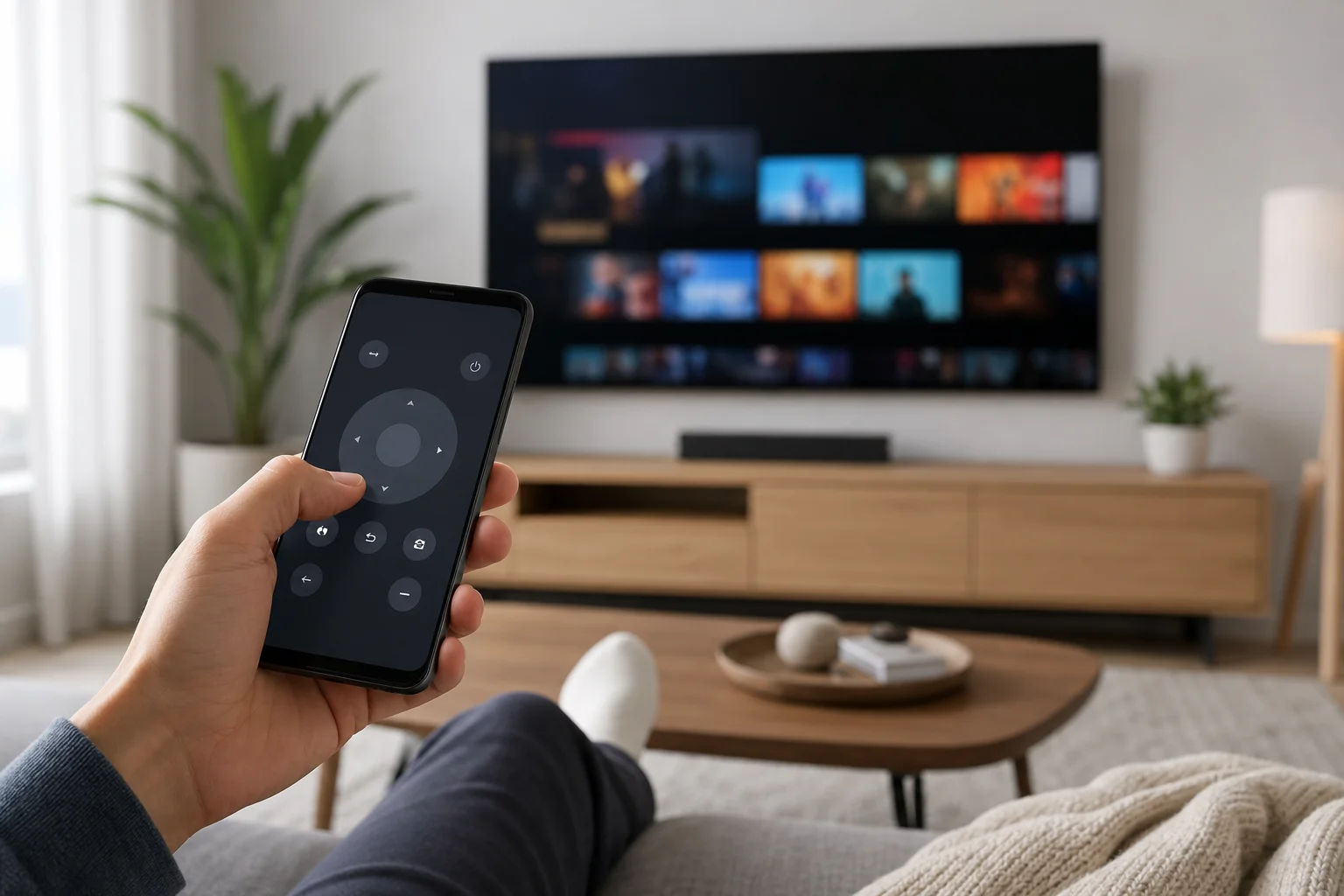
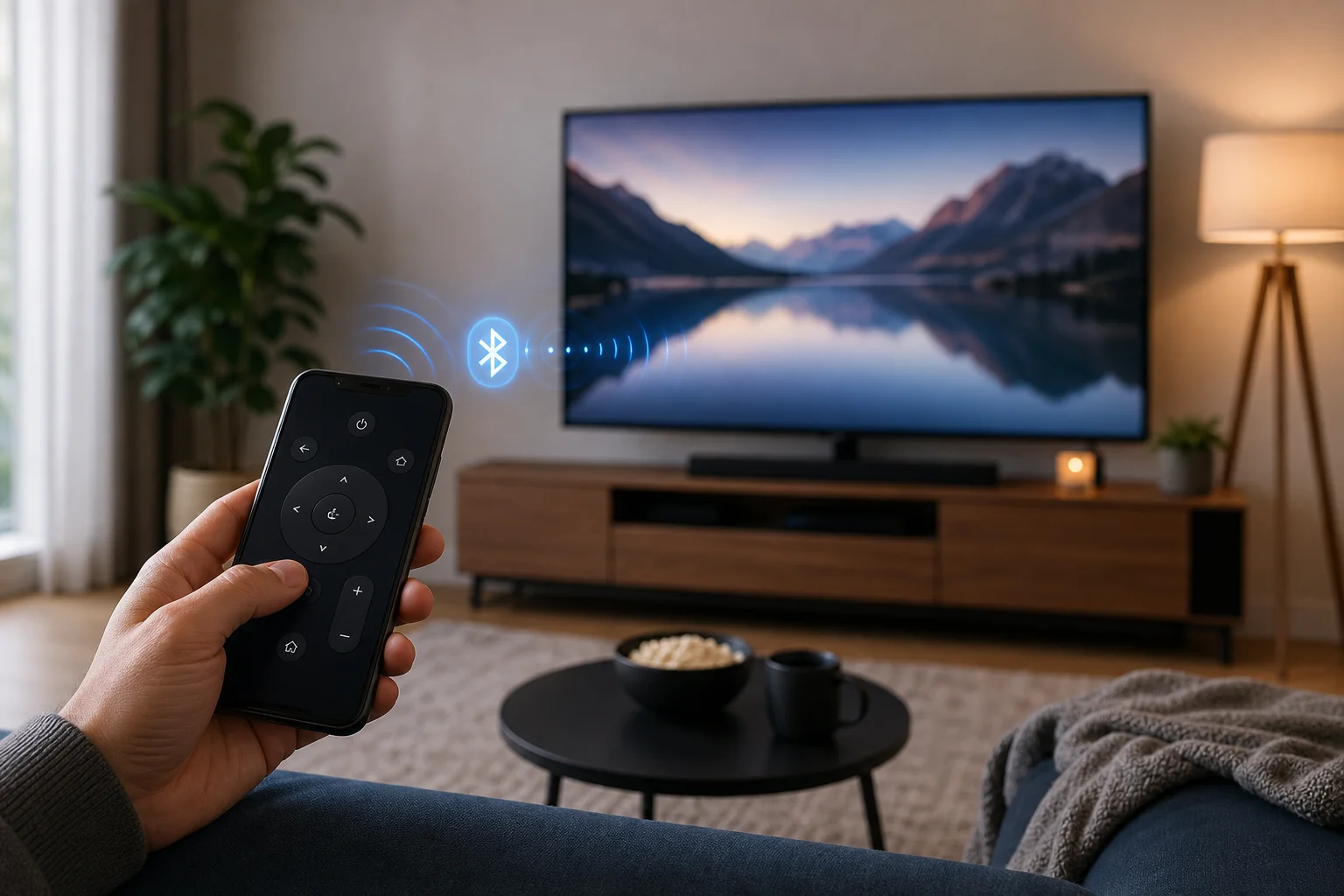
An Android TV remote can be a physical handset, a mobile app, or a voice-enabled controller built into your Android phone. This guide explains how to use your phone as a TV remote, which apps work best, how to pair them, and what to do when the remote does not connect. You will also learn when a replacement remote is better than an app.
Using a phone as a remote is practical. It is helpful when the original remote is lost, the batteries are dead, or typing a password with arrow keys feels too slow. However, the best option depends on your TV system, network, and the features you need.
What an Android TV remote is
An Android TV remote is any remote control method designed for a TV or streaming device running Android TV or Google TV. It can be:
- A standard infrared or Bluetooth remote supplied with the TV.
- The remote feature inside the Google TV app.
- A manufacturer app from brands such as Sony, Philips, TCL, Xiaomi, Hisense, or Nvidia Shield.
- A third-party remote control app for Android.
- A universal remote that supports Android TV devices.
Android TV and Google TV are closely related. Google TV is a newer interface built on Android TV. In many cases, the same remote apps and pairing steps work for both.