Best remote for Smart TV: how to choose the right one
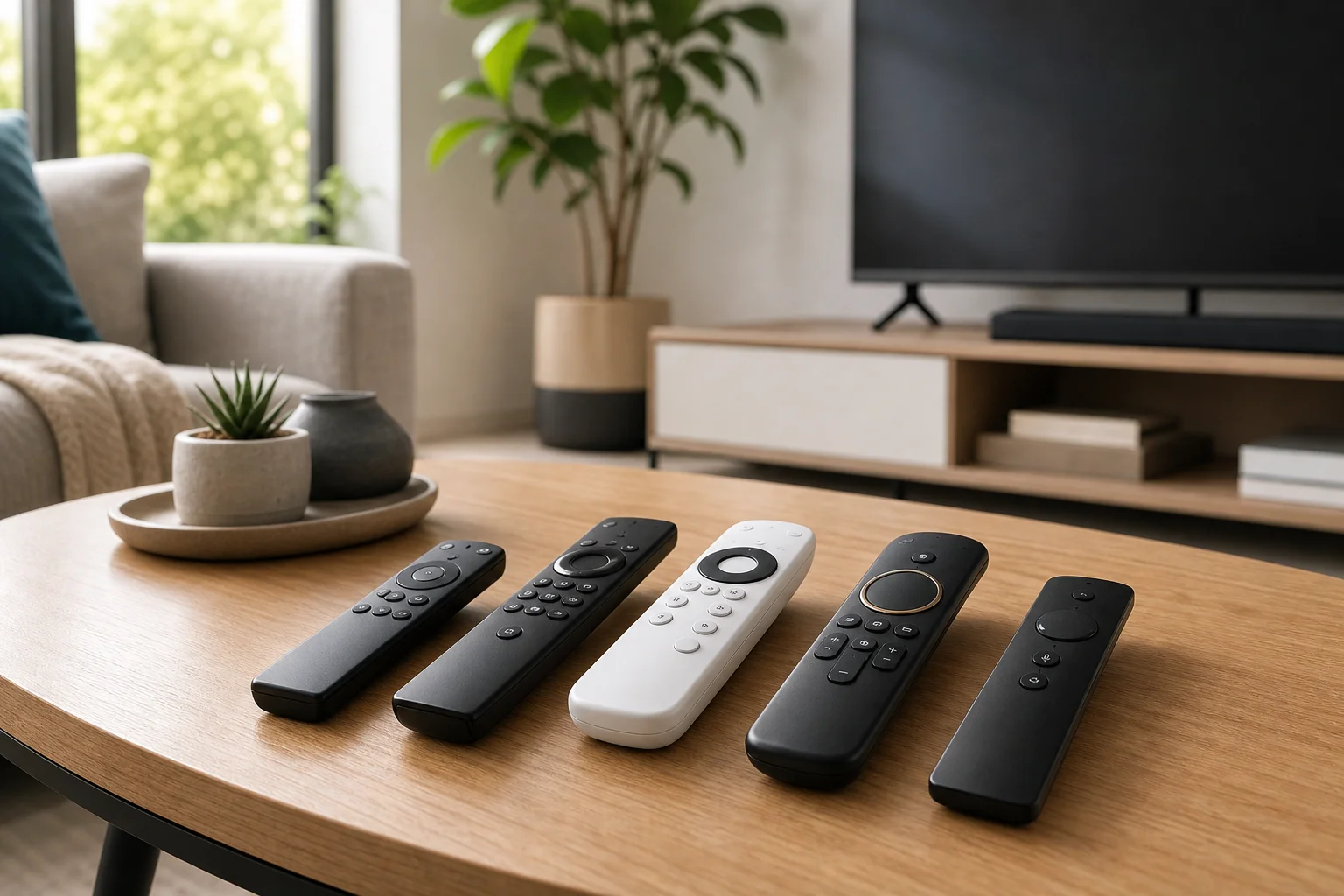
The best remote for Smart TV is the one that matches your television, your streaming habits, and the way you prefer to control the screen. Some people need a simple replacement remote with familiar buttons. Others want voice search, backlit keys, universal control for a soundbar, or a compact remote for Google TV, Roku, Fire TV, Samsung, or LG. This guide explains the main remote types, key features, compatibility checks, and setup steps so you can buy with confidence instead of guessing.
What makes a Smart TV remote worth buying
A good Smart TV remote should do three things well: connect reliably, make navigation easy, and reduce the number of remotes on your table. It does not need every feature. In fact, the best choice is often the simplest model that supports your TV and the devices you use every day.
Before buying, think about your main use case. If you mostly watch built-in apps such as Netflix, YouTube, Disney+, or Prime Video, app shortcut buttons and voice search may matter. If you switch between a cable box, game console, AV receiver, and soundbar, a universal remote with device control is more useful. If you often watch in a dark room, backlit buttons can be more valuable than a touchpad or motion pointer.
Main types of remotes for Smart TVs
Original replacement remotes
An original replacement remote is made for a specific TV brand or model family. It usually works right away, especially when it uses infrared. It is the safest choice if you want the same layout you had before.
Choose this type if you lost or broke the factory remote and liked it. However, check the model number carefully. Some brand remotes look almost identical but use different Bluetooth pairing, microphone support, or button layouts.
Universal remotes
A universal remote can control several devices, such as a Smart TV, streaming box, soundbar, Blu-ray player, or cable receiver. Basic models use infrared codes. More advanced options may support Bluetooth, Wi-Fi, or smart home control.
This is a strong choice if you want fewer remotes. The trade-off is setup time. You may need to enter device codes, use an app, or teach the remote commands from your old remote.
Voice remotes
Voice remotes include a microphone and a button for voice commands. Depending on the platform, they may work with Google Assistant, Alexa, Siri, or a brand-specific voice system. They make search faster, especially when typing with arrow keys feels slow.
Voice features often require Bluetooth or Wi-Fi pairing, not just infrared. Also, some commands work only on supported apps or regions. If privacy matters to you, look for a remote that activates the microphone only when you press a button.
Streaming device remotes
If most of your viewing happens through a Roku, Apple TV, Fire TV, Chromecast with Google TV, or Nvidia Shield, the streaming device remote may be your best daily remote. Many of these can also control TV power and volume using HDMI-CEC or infrared.
This option works well when your TV interface is slow or outdated. Instead of replacing the TV remote, you use the streaming platform as your main hub.
Smartphone remote apps
Phone apps can be handy as a backup. Most major TV platforms offer official remote apps, and streaming devices often have mobile controls too. They are useful for typing passwords, searching, or finding a remote that slipped between cushions.
Still, a phone is not always ideal. You must unlock it, open the app, and stay on the same network. For daily use, a physical remote is usually faster and more comfortable.
Comparison table: which Smart TV remote should you choose?
| Need | Best remote type | Why it works | What to check |
|---|---|---|---|
| Replace a lost remote | Original replacement remote | Familiar layout and easy setup | Exact TV model and part number |
| Control TV and soundbar | Universal remote | Reduces clutter | IR codes, HDMI-CEC, soundbar support |
| Search faster | Voice remote | Easier app and content search | Bluetooth pairing and assistant support |
| Use a streaming box daily | Streaming device remote | Simple interface and app-focused buttons | TV power and volume control |
| Backup control | Smartphone app | No extra hardware needed | Same Wi-Fi network and official app support |
| Watch in a dark room | Backlit remote | Easier button use at night | Battery life and button layout |
Key features to compare before you buy
Compatibility with your TV model
Compatibility is the first filter. Look at the brand, model number, and year of your TV. You can usually find the model number on the back of the TV or in the settings menu under support or about device.
Do not rely only on a product photo. Two remotes can look the same but differ in pairing method, microphone function, or shortcut buttons. If a listing says “compatible with many models,” confirm that your exact model appears in the compatibility list.
Connection type
Smart TV remotes commonly use one or more of these connection methods:
- Infrared: Requires line of sight but is simple and widely supported.
- Bluetooth: Does not need line of sight and supports voice features on many TVs.
- RF: Often used by cable boxes and some universal remotes.
- Wi-Fi: Common for app-based control and some smart home integrations.
- HDMI-CEC: Lets connected devices control TV power, input, and volume through HDMI.
For basic power, volume, and channel control, infrared is often enough. For voice search, pointer control, or advanced platform features, Bluetooth support is usually needed.
Button layout and shortcuts
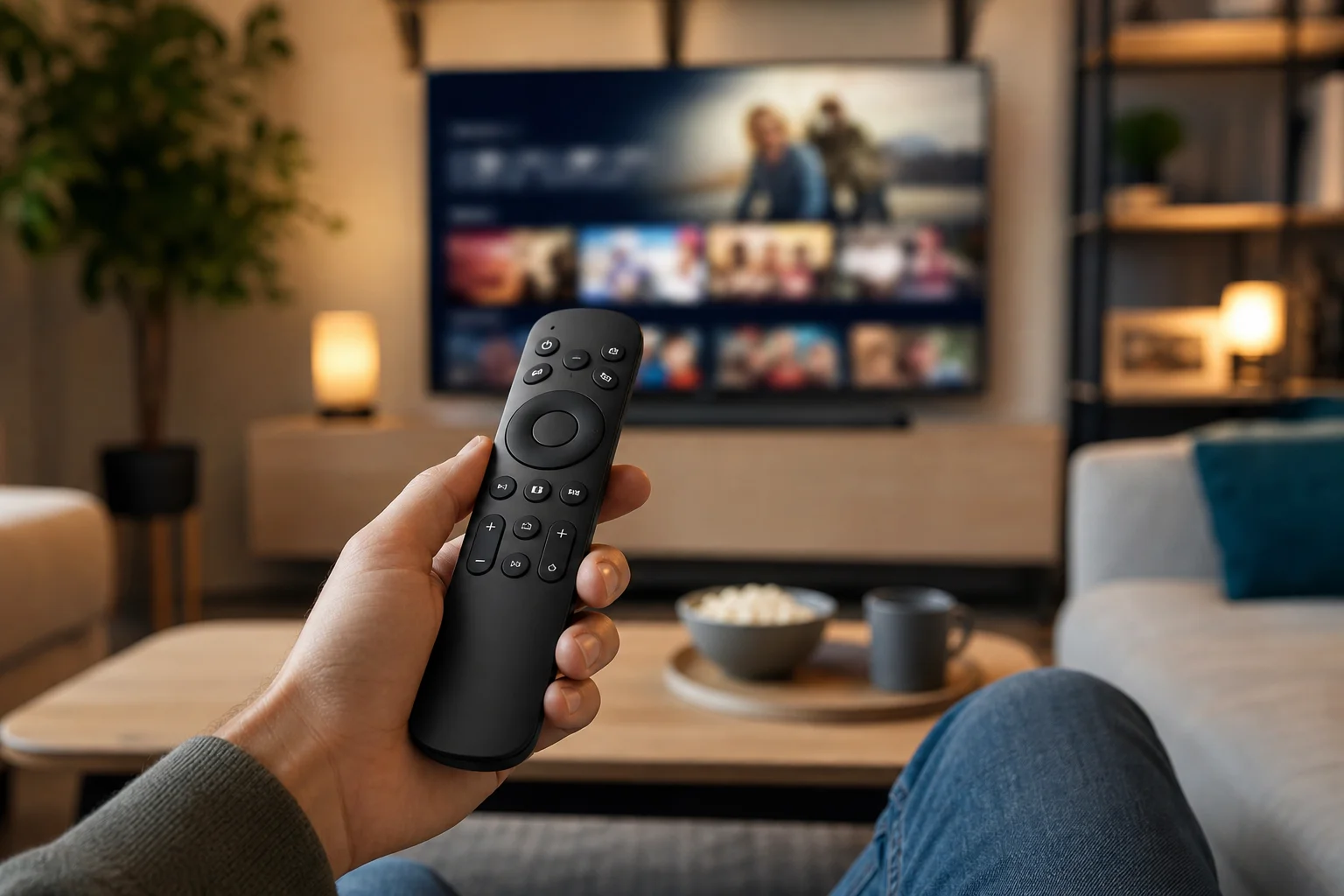
A remote should be easy to use without looking at it. Prioritize clear volume, mute, home, back, and directional buttons. Dedicated app buttons can be useful if you use those services. However, they are less valuable if they launch apps you do not subscribe to.
Some minimalist remotes look elegant but remove number keys, input buttons, or settings controls. That can be frustrating if you watch broadcast TV, change inputs often, or adjust picture modes.
Voice control and privacy
Voice search can save time, especially on TVs where typing is slow. It is helpful for finding movies, opening apps, checking weather, or controlling playback. However, support varies by platform and country.
For better privacy, choose a model with push-to-talk voice control rather than always-listening microphones. Also review the TV or platform settings so you understand how voice data is handled.
Build quality, battery life, and ergonomics
A remote gets dropped, pressed, and handled every day. Look for firm buttons, a comfortable shape, and a layout that suits your hand. Backlighting is useful, but it can reduce battery life. Rechargeable remotes save on disposable batteries, while standard AAA or AA batteries are easy to replace.
If children or older adults will use the remote, simple is better. Large buttons, high contrast, and fewer menus can make a bigger difference than smart features.
How to choose the best remote for Smart TV step by step
- Find your TV model number. Check the back label or the TV settings menu.
- Decide what you control most. Is it only the TV, or also a soundbar, cable box, or streaming device?
- Check the connection method. Choose infrared for simple control, Bluetooth for voice and advanced features, or a universal option for several devices.
- Confirm exact compatibility. Match your TV model, not just the brand.
- Review the button layout. Make sure it has the keys you use every day.
- Consider accessibility needs. Backlit, large-button, or simplified remotes can be better for many households.
- Read setup requirements. Some remotes work instantly, while others need pairing, codes, or an app.
- Keep the old remote if possible. It may help teach commands to a universal remote or access service menus.
Best remote choices by user type
Best simple replacement
Choose an original or compatible replacement remote if you want normal TV functions with minimal setup. This is ideal for Samsung, LG, Sony, TCL, Hisense, Panasonic, Philips, and other Smart TVs when you mainly need power, volume, input, settings, and app navigation.
The main advantage is predictability. The main risk is buying a look-alike model that does not support your exact TV. Always compare model numbers.
Best for streaming-first users
If you spend most of your time inside Roku, Fire TV, Apple TV, or Google TV, a streaming remote may be the most practical choice. These remotes usually offer fast app navigation, voice search, and simple TV power or volume control.
This is also a smart upgrade for older Smart TVs with slow software. A modern streaming device and remote can feel smoother than the TV’s built-in interface.
Best for home theater setups
For a TV connected to a receiver, soundbar, game console, cable box, and media player, consider a universal remote. Look for activity-based control if available. For example, one button can turn on the TV, select the right HDMI input, and set audio to the soundbar.
Be prepared to spend more time on setup. Once configured, though, a good universal remote can make a complex system easier for everyone at home.
Best for seniors and simple use
For seniors or anyone who wants fewer distractions, a large-button remote can be the best remote for a Smart TV. It should have clear power, volume, channel, mute, and home buttons. Avoid models that hide basic functions behind tiny keys or app menus.
If the TV is used mainly for live channels, choose a remote with number buttons. If it is used mainly for streaming, make sure the home and back buttons are large and easy to find.
Common setup tips
If your new remote does not work immediately, start with the basics. Insert fresh batteries and point the remote directly at the TV if it uses infrared. Remove objects blocking the TV sensor. Then restart the TV by unplugging it for a minute.
For Bluetooth remotes, follow the pairing steps in the TV menu or remote manual. Many TVs use a button combination such as holding home and back, or home and select, but the exact method depends on the brand. If pairing fails, unpair old devices if the TV has a limit.
For HDMI-CEC control, enable the feature in your TV settings. Brands use different names, such as Anynet+, Simplink, Bravia Sync, Viera Link, or CEC. Then enable device control on your streaming box or console.
Frequently asked questions
What is the best remote for a Smart TV?
The best remote depends on your TV and setup. For a lost remote, choose an exact original replacement. For multiple devices, choose a universal remote. For streaming, use the remote from your preferred streaming platform.
Do universal remotes work with all Smart TVs?
No. Many universal remotes support major TV brands, but not every model or feature. Basic infrared functions are more likely to work than voice control, app shortcuts, or pointer features.
Can I use my phone as a Smart TV remote?
Yes, in many cases. Use the official app for your TV or streaming device. Your phone and TV usually need to be on the same Wi-Fi network. A phone app is useful as a backup but less convenient than a physical remote for daily use.
Is a Bluetooth remote better than an infrared remote?
Bluetooth is better for voice commands, non-line-of-sight control, and advanced Smart TV features. Infrared is better for simple setup and broad compatibility. Many households benefit from a remote that supports both.
Why does my new Smart TV remote control volume but not apps?
Volume may work through infrared or HDMI-CEC, while app navigation may require Bluetooth pairing or platform support. Check the pairing instructions and confirm that the remote is designed for your TV operating system.
Conclusion: choose the remote that fits your real setup
The best remote for Smart TV is not always the most expensive one. Start with your TV model, then match the remote to how you actually watch: simple replacement, voice search, streaming control, or full home theater management. Check compatibility before you buy, choose a layout you can use without frustration, and follow the setup steps carefully. If you want the safest path, buy an exact replacement. If you want a cleaner living room, choose a well-supported universal or streaming remote and set it up today.