TV apps for smartphones: how to watch television on your phone
TV apps for smartphones make it easy to watch live channels, catch-up TV, sports, news, and on-demand shows without a traditional television. The best choice depends on your country, budget, data plan, and whether you want free channels, premium subscriptions, or access to your existing TV provider. This guide explains the main types of mobile television apps, how to compare them, how to set them up safely, and what to check before you stream on Android or iPhone.
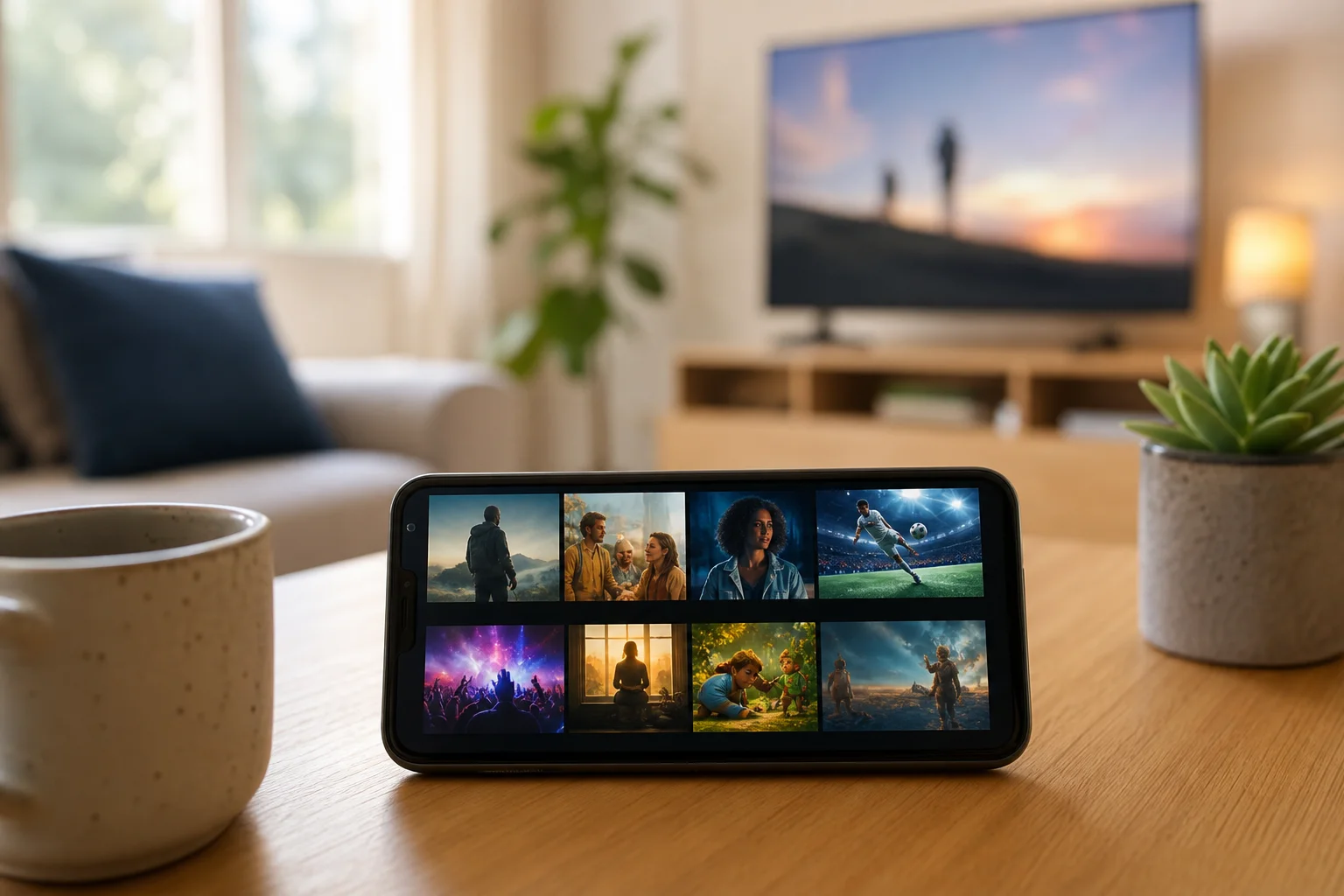
What TV apps for smartphones can do
Modern television apps are not just small versions of a TV screen. They can combine live broadcasting, video-on-demand, downloads, recommendations, parental controls, and casting to a larger display. In many cases, one phone can act as your portable TV, remote control, and streaming device.
Common features include:
- Live TV channels for news, entertainment, documentaries, and sports.
- Catch-up TV from broadcasters after a programme airs.
- On-demand films and series from streaming libraries.
- Cloud DVR or saved programmes, depending on the service.
- Offline downloads for selected shows and movies.
- Chromecast, AirPlay, or smart TV casting support.
- Multiple profiles and child-safe viewing controls.
However, availability varies widely by region. For example, a public broadcaster app may work only in its home country, while a subscription streaming service may offer different catalogues in different markets.
Main types of mobile television apps
Before choosing an app, decide what kind of TV experience you need. The right app for live sports may not be the right app for free movies or local news.
Free ad-supported TV apps
Free ad-supported television apps, often called FAST apps, offer live-style channels and on-demand content at no monthly cost. You usually watch ads before or during programmes. Examples may include Pluto TV, Tubi, Plex, Samsung TV Plus on supported devices, and broadcaster-owned free services, depending on your location.
These apps are useful if you want background viewing, classic shows, themed channels, or free films. The trade-off is that you may not get the newest releases, premium sports, or every local channel.
Broadcaster and catch-up apps
Broadcaster apps are usually the best option for local TV, national news, public service programming, and catch-up episodes. Examples include BBC iPlayer in the UK, ITVX, Channel 4, My5, ABC iview in Australia, CBC Gem in Canada, and network apps in the United States.
Some are free with registration. Others require a TV licence, cable login, or regional eligibility. Always check the terms for your country.
Subscription streaming services
Subscription apps such as Netflix, Disney+, Apple TV+, Prime Video, Max, Peacock, Paramount+, and similar services focus on on-demand movies, original series, documentaries, and family entertainment. Many also include live events or linear channels in selected regions.
They are ideal if you care more about series and films than traditional channel surfing. Still, they may not include local TV or full live sports coverage.
Live TV replacement services
Live TV streaming services aim to replace cable or satellite packages. Depending on your market, examples may include YouTube TV, Hulu + Live TV, Sling TV, Fubo, DirecTV Stream, NOW, Sky Go, or other regional providers.
These services often include live channels, sports, news, cloud DVR, and multiple device support. They can cost more than standard on-demand services, so compare channel lineups before signing up.
IPTV player apps
IPTV player apps let you load a playlist or service provided by a legitimate IPTV provider. The app itself is only a player, similar to a media player. It does not automatically mean the content is legal or licensed.
Use IPTV only with authorised services, your own media, or playlists from legal providers. Avoid unknown sellers promising every premium channel for a very low price, as those offers often create legal, privacy, and security risks.
How to choose the best TV app for your phone
Use this comparison table to narrow your choices quickly.
| Need | Best app type | What to check |
|---|---|---|
| Free casual viewing | Free ad-supported TV app | Ad frequency, content library, country availability |
| Local channels and catch-up | Broadcaster app | Location rules, account requirements, licence rules |
| Movies and original series | Subscription streaming app | Catalogue, download support, profiles, price |
| Live sports and cable channels | Live TV replacement service | Channel lineup, blackout rules, DVR, device limits |
| Existing TV provider access | Provider app | Login support, in-home restrictions, mobile rights |
| Custom legal playlists | IPTV player app | Provider legitimacy, EPG support, privacy settings |
Also consider these practical factors:
- Platform support: Check whether the app works well on Android, iPhone, tablets, and smart TVs.
- Video quality: Look for adaptive streaming, HD support, and stable playback on mobile networks.
- Data usage: High-quality video can use significant mobile data. Use Wi-Fi when possible.
- Offline viewing: Downloads are valuable for travel, commuting, and areas with weak signal.
- Accessibility: Subtitles, audio description, and clear controls improve everyday use.
- Casting: Chromecast and AirPlay support let you move from phone to TV easily.
- Privacy: Review permissions. A TV app should not request access that is not needed for playback.
Step-by-step setup for watching TV on a smartphone
Follow these steps to get a smooth and secure viewing experience.
- Define what you want to watch. Decide whether you need live channels, sports, local news, catch-up TV, films, or children’s content.
- Check legal availability in your region. Visit the official app page or provider website. Confirm pricing, coverage, and licensing rules.
- Install from a trusted store. Use Google Play, the Apple App Store, or the official provider website. Avoid unknown APK files and unofficial app stores.
- Create or sign in to your account. Use a strong password. Enable two-factor authentication if the service supports it.
- Set streaming quality. Choose automatic quality for mixed connections, or lower quality to save mobile data.
- Enable subtitles and parental controls. Set these before handing the phone to a child or watching in a noisy place.
- Test playback on Wi-Fi and mobile data. Make sure the app works where you plan to use it.
- Try casting if needed. Connect your phone and TV to the same Wi-Fi network, then use Chromecast, AirPlay, or the app’s casting button.
- Review subscriptions. Cancel trials you do not want to keep. Check renewal dates and in-app purchase rules.
Tips for better mobile TV streaming
A few small changes can improve playback quality and reduce frustration.
First, keep your app updated. Streaming apps often fix playback bugs, update security, and improve compatibility. Next, use Wi-Fi for long viewing sessions. If you must use mobile data, reduce video quality or download episodes in advance when the app allows it.
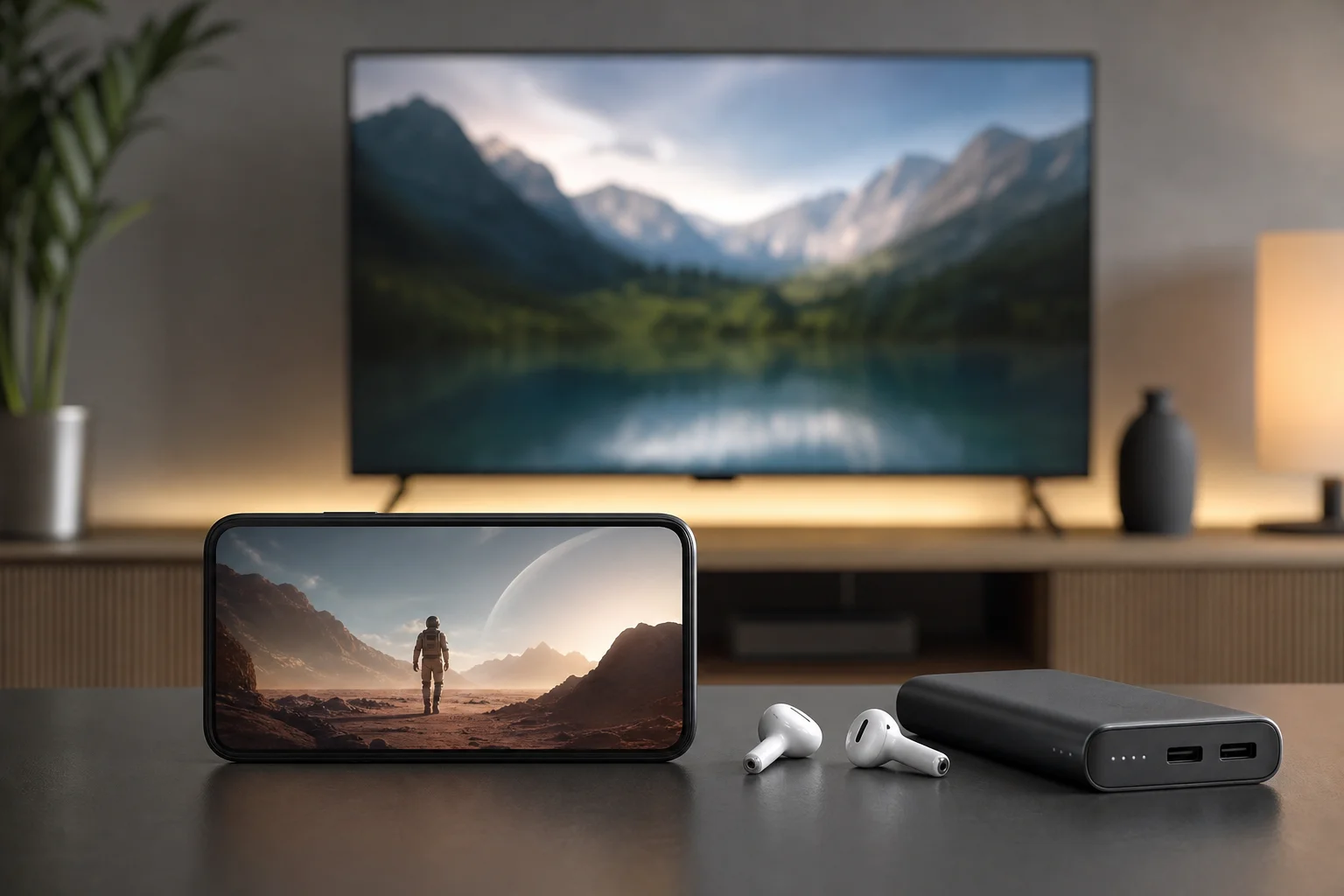
Battery life also matters. Streaming video drains a phone faster than browsing or messaging. Lower screen brightness, close unused apps, and carry a power bank when travelling. If your phone gets hot, pause playback and remove the case for a few minutes.
For sound, wireless earbuds can make dialogue clearer. For shared viewing, connect to a Bluetooth speaker or cast to a TV. Finally, if video keeps buffering, restart the app, test another network, or reduce resolution before blaming the service.
Safety, legality, and privacy considerations
Not every app that promises television on a smartphone is safe. Be careful with apps that offer premium channels, new films, or pay-per-view events for free without a clear licence. They may expose you to malware, intrusive ads, unreliable streams, or legal problems.
To stay safe:
- Download apps only from trusted sources.
- Check the developer name and recent reviews.
- Avoid apps that require unnecessary permissions.
- Read subscription terms before entering payment details.
- Use official broadcaster or provider apps when possible.
- Be cautious with unknown IPTV subscriptions.
A VPN can improve privacy on public Wi-Fi, but it does not make unlicensed content legal. Some streaming services also restrict VPN use because of licensing agreements. Always follow the service terms and local law.
Frequently asked questions
What are the best free TV apps for smartphones?
The best free options depend on your country. Look for official broadcaster apps and reputable ad-supported services such as Pluto TV, Tubi, Plex, or similar regional platforms. Check whether the app is licensed in your location and available through an official app store.
Can I watch live TV on my phone without cable?
Yes. You can use free broadcaster apps, ad-supported live channels, or paid live TV streaming services. However, channel selection depends on your region, and sports or premium channels often require a subscription.
Do TV apps use a lot of mobile data?
Yes, video streaming can use a large amount of data, especially in HD or higher quality. To reduce usage, stream on Wi-Fi, lower playback quality, or download shows in advance if the app supports offline viewing.
Are IPTV apps legal on smartphones?
IPTV player apps are legal when used with authorised content or a legitimate provider. The legal issue is usually the source of the channels, not the player itself. Avoid services that sell unrealistic premium bundles without clear licensing.
Can I cast mobile TV apps to a smart TV?
Often, yes. Many apps support Chromecast, AirPlay, or built-in smart TV casting. Both devices usually need to be on the same Wi-Fi network. Some providers block casting for certain content because of rights restrictions.
Why is a TV app not available in my country?
Television rights are sold by region. An app may limit access to comply with licensing rules, local regulations, or broadcaster agreements. Use an official service available in your country for the most reliable experience.
Conclusion
The best TV apps for smartphones are the ones that match your viewing habits, budget, and location. Start with official broadcaster apps for local television, add a reputable free service for casual viewing, and choose paid streaming or live TV only when the channel lineup is worth the cost. Install from trusted sources, manage data use, and test casting or downloads before you travel. With the right setup, your smartphone can become a reliable, portable television wherever you have a good connection.