How to transfer a TV remote to phone and control your TV easily
Transferring a TV remote to phone control is one of the easiest ways to replace a lost remote, reduce clutter, or type faster on a smart TV. In most cases, you only need your phone, the right remote app, and a shared Wi-Fi network. This guide explains the best methods for Android, iPhone, Google TV, Samsung, LG, Roku, Fire TV, and other popular devices. You will also learn what to do if pairing fails, when infrared matters, and how to keep your TV secure.
What it means to use your phone as a TV remote
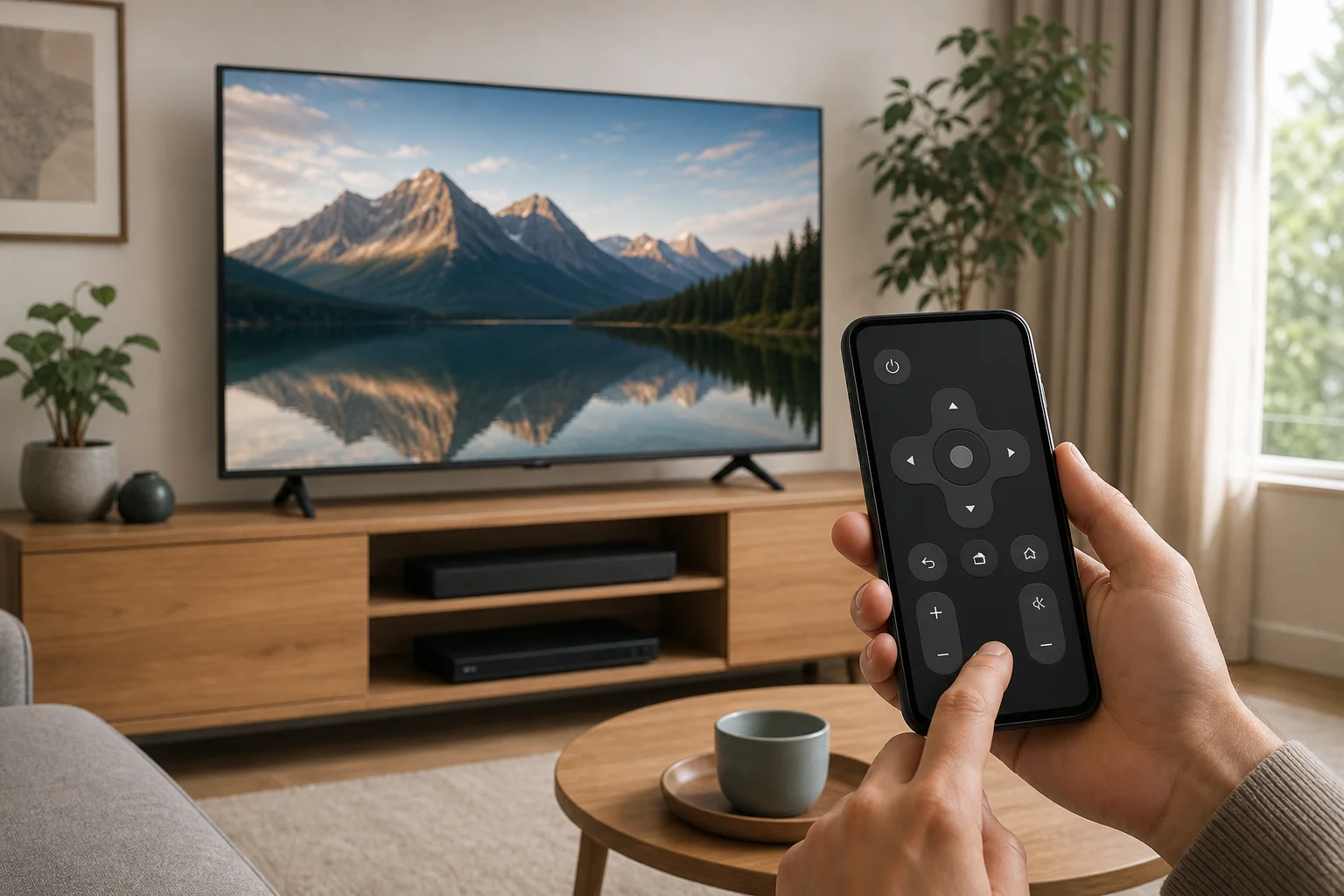
Using your phone as a TV remote means your smartphone sends control commands to the television or streaming device. These commands can travel in two main ways:
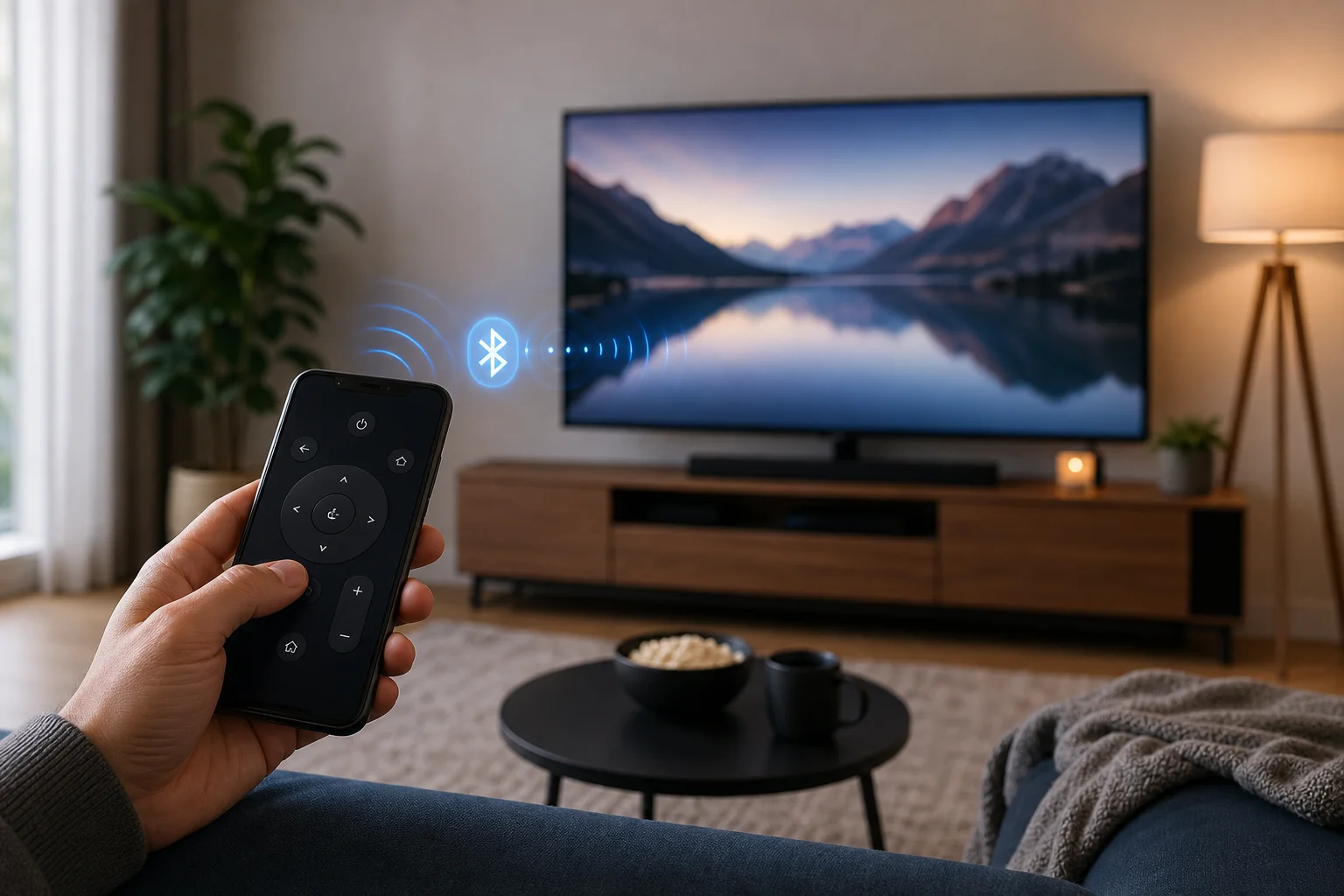
- Wi-Fi or Bluetooth: Common on smart TVs, streaming sticks, and TV boxes. Your phone and TV usually need to be on the same network.
- Infrared, also called IR: Used by many older TVs. Only some Android phones have an IR blaster. iPhones do not include one.
For most modern homes, Wi-Fi control is the best option. It supports navigation, volume, app launching, voice search, and text input. However, it only works if the TV is connected to your network and supports remote control through an app.