5 posts tagged with "home-entertainment"

View All Tags

Can you use a tablet as a remote for a TV?

· 11 min read

Yes, you can use a tablet as a remote for a TV in many cases, especially if you have a smart TV, streaming device, Android TV, Google TV, Apple TV, Fire TV, Roku, or a TV connected to a set-top box. The best method depends on your TV model, your tablet, and whether both devices support the same control app, Wi-Fi network, Bluetooth, or infrared. This guide explains the practical options, setup steps, limitations, and fixes so you can choose the easiest way to control your television from a tablet.

How to choose a remote control app for your TV and smart devices

· 10 min read

Choosing the right remote control app can turn your phone into a practical replacement for a lost TV remote, a faster way to type on a streaming box, or a simple controller for several devices at once. The best choice depends on your device brand, phone features, home network, privacy expectations, and the functions you use most. This guide explains what to check before installing an app, how to compare options, and which features matter for TVs, streaming sticks, set-top boxes, and smart home media devices.

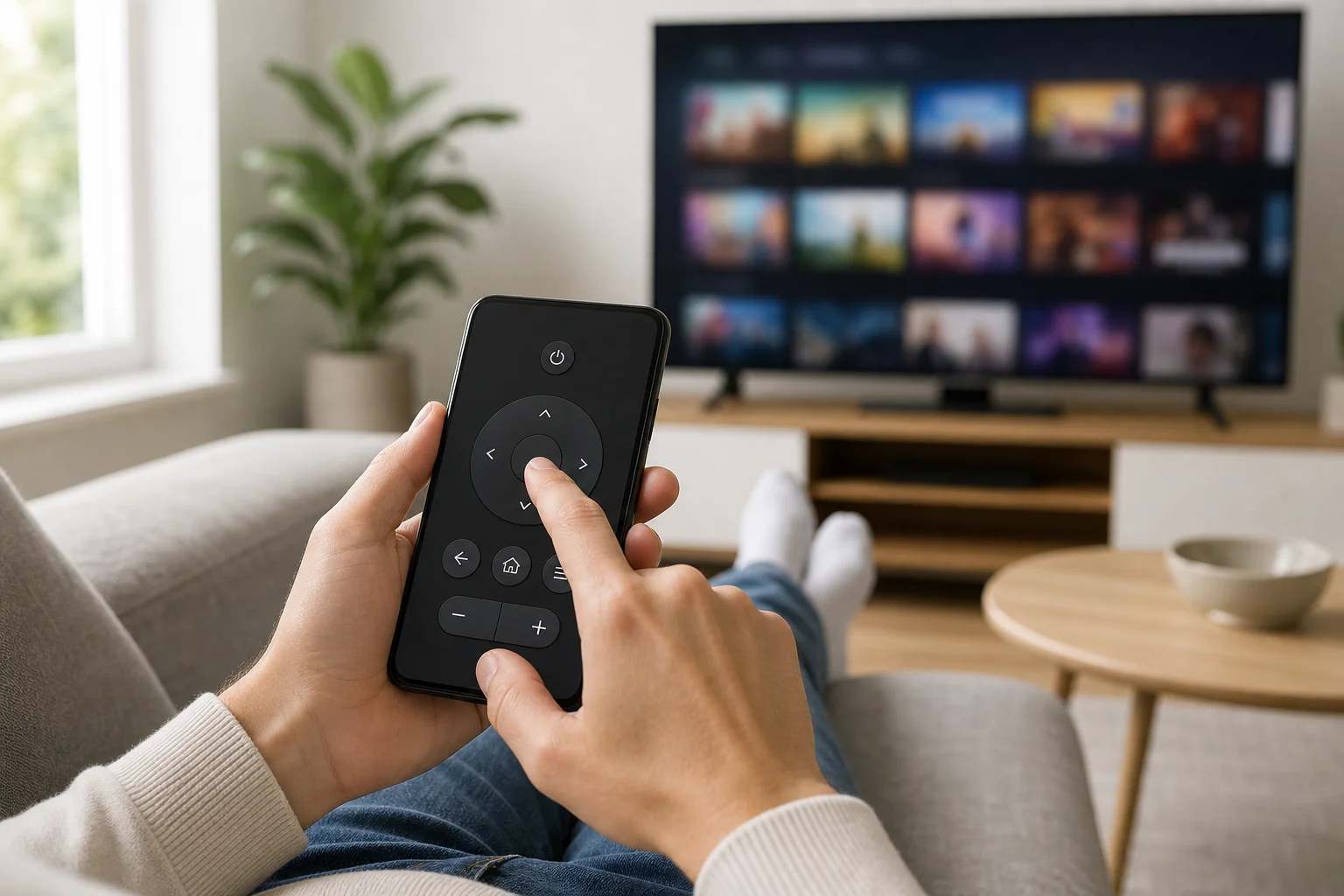
remote control app on phone

How to find a remote for your TV

· 11 min read

If you need to know how to find a remote for your TV, start by checking whether you are looking for a lost remote, a replacement remote, or a better universal option. The right choice depends on your TV brand, model number, control type, and smart TV platform. This guide explains how to identify the correct remote, compare original and universal remotes, use phone apps, and avoid buying an incompatible controller.

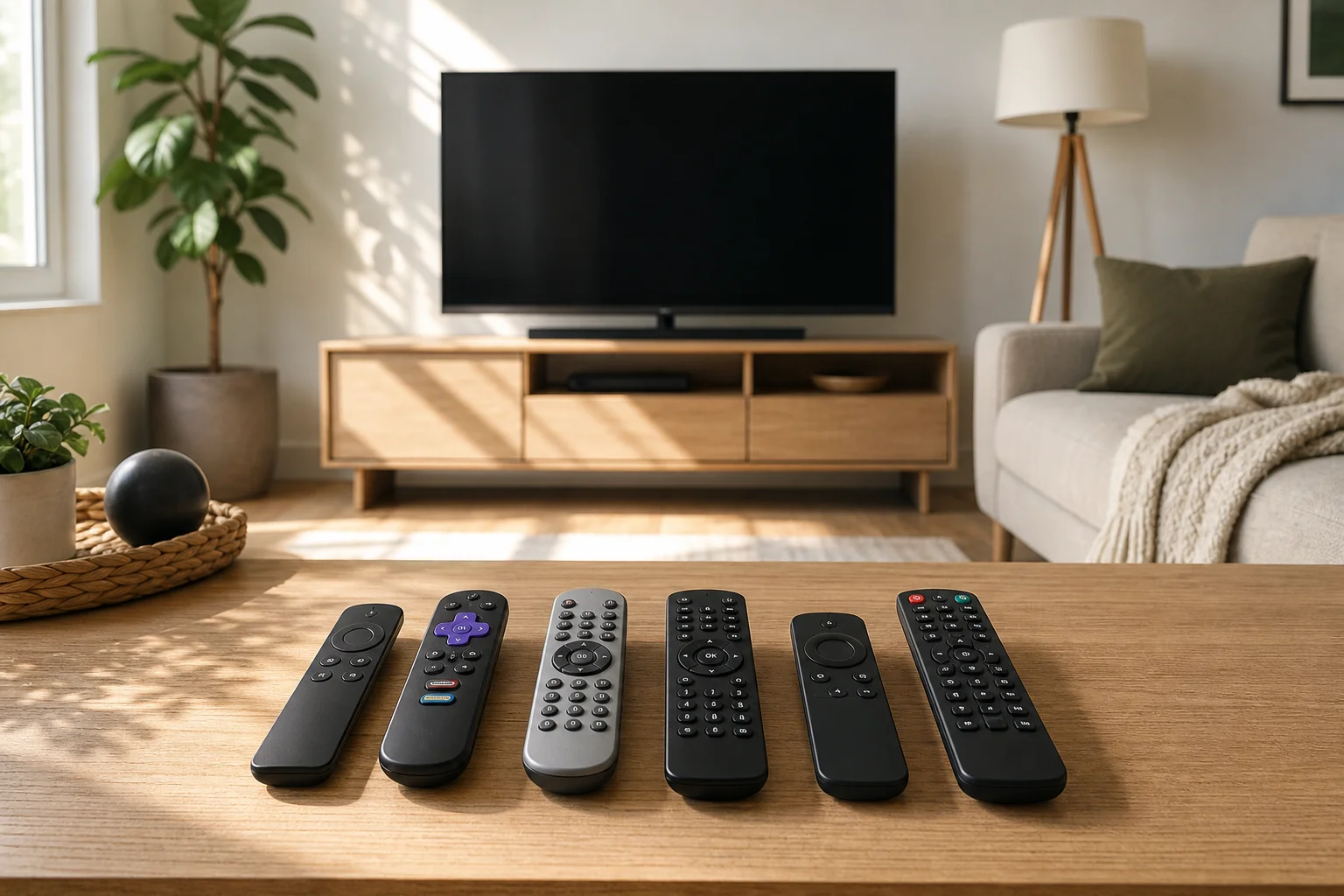
TV remote replacement guide

TV remote in your phone: how to set it up and use it

· 11 min read

A TV remote in your phone is one of the easiest ways to control a smart TV when the physical remote is lost, broken, or out of reach. In most cases, you only need a compatible app, the same Wi-Fi network, and a few minutes for setup. This guide explains how phone-based TV remotes work, which apps to use, how to connect Android and iPhone devices, and what to do when the remote app does not find your TV.

What a TV remote on your phone can do​

A phone remote can replace many everyday remote-control tasks. Depending on your TV and app, you may be able to:

  • Turn the TV on or off
  • Change volume and mute sound
  • Switch channels or HDMI inputs
  • Open streaming apps
  • Use a touchpad or directional pad
  • Type search terms with your phone keyboard
  • Use voice search through Google Assistant or Siri where supported
  • Control media playback, such as pause, rewind, and fast forward

For smart TVs, a phone remote is often more convenient than a traditional remote. Text entry is faster, app navigation is smoother, and you can keep control even if the original remote is missing.

However, not every phone remote works the same way. Some use Wi-Fi, some use Bluetooth, and a smaller number of Android phones can use infrared. The right option depends on your phone, your TV, and your streaming device.

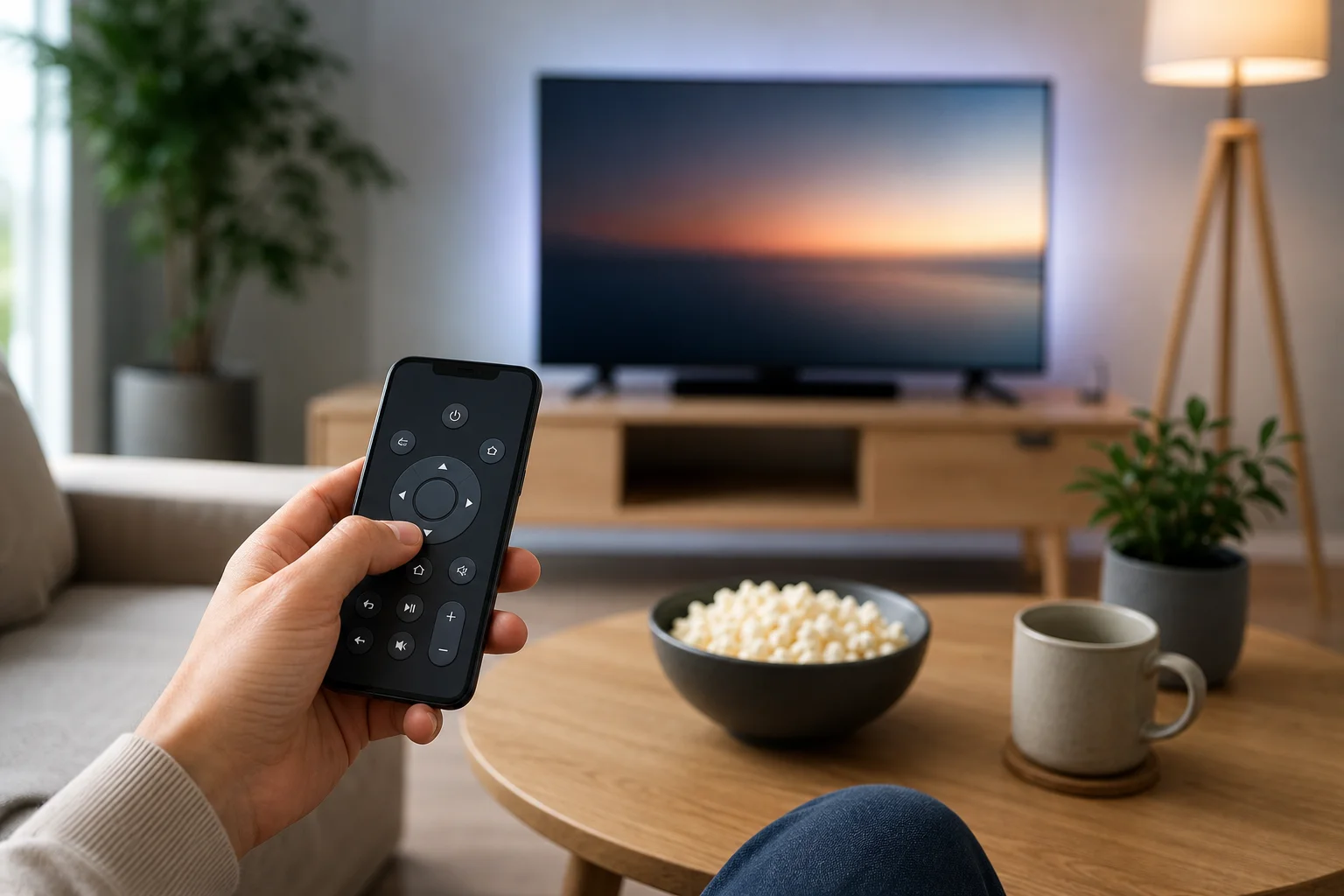
TV remote in your phone setup

How to use a TV remote on phone

· 9 min read

A TV remote on phone is a simple way to control your television when the physical remote is lost, broken, or out of reach. In most cases, you only need a compatible app, the same Wi-Fi network, and a smart TV or streaming device. This guide explains the best options for Android and iPhone, how to set them up, when infrared matters, and how to fix common connection problems.

Using your phone as a remote can be more convenient than a standard handset. You can type passwords faster, search by voice, switch apps, adjust volume, and control streaming devices from one screen. However, the right setup depends on your TV model and phone hardware.

How a phone can control a TV​

A smartphone can work as a TV remote in two main ways: over Wi-Fi or by using an infrared blaster.

Wi-Fi control is the most common option today. Your phone and TV connect through the same home network. The app sends commands to the TV, streaming stick, or set-top box. This method works with many smart TVs and devices such as Google TV, Android TV, Roku, Amazon Fire TV, and Apple TV.

Infrared, often called IR, works like an old-style remote. The phone sends an invisible light signal directly to the TV. Only some Android phones include an IR blaster. iPhones do not have one. If your phone has IR, it may control older TVs that are not connected to the internet.
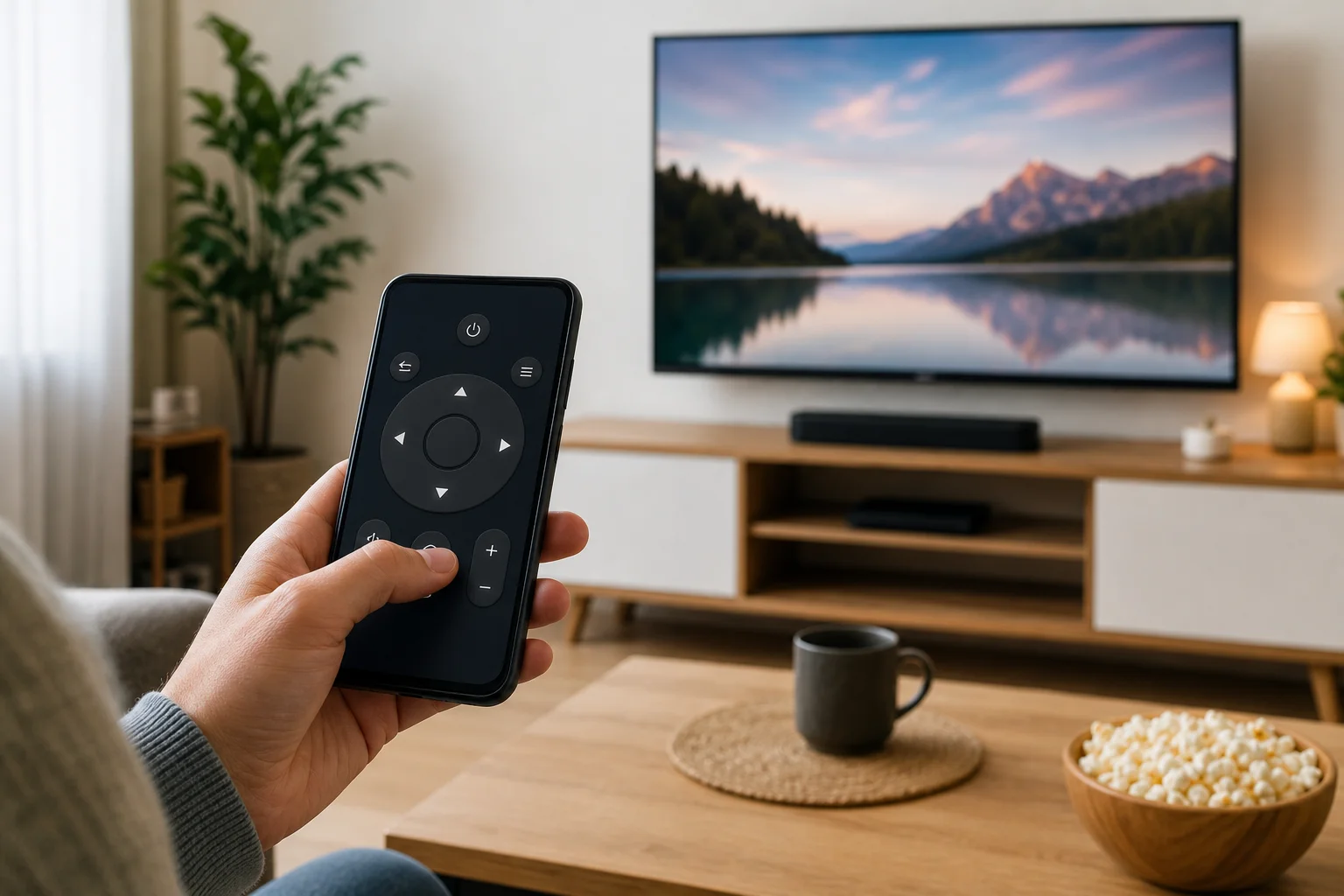
TV remote on phone setup