
15 posts tagged with "Streaming"

View All Tags

Smartphone as a TV remote: functions, setup, apps, and troubleshooting

· 10 min read

Using a smartphone as a TV remote is one of the easiest ways to control a television, streaming box, or media player when the original remote is missing, broken, or simply out of reach. A phone can change channels, adjust volume, launch apps, type search queries, mirror content, and control playback. This guide explains how phone remote control works, which features to expect, how to set it up, and what to do when your TV does not respond.

Best paid TV remote apps for smart TVs and streaming devices

· 10 min read

The best paid TV remote apps can replace a lost handset, add a better keyboard, control several TVs, and make streaming boxes easier to use. This guide compares premium remote control apps for smart TVs, Roku, Fire TV, Google TV, Apple TV-style setups, and media center PCs. You will also learn when a paid app is worth it, when the free official app is enough, and how to choose a safe option.

TV control apps comparison: best options for smart TVs and streaming devices

· 11 min read

A good TV control apps comparison helps you choose the right remote app for your smart TV, streaming stick, or set-top box. The best option depends on your device, phone, home network, and the features you use most, such as voice search, keyboard input, casting, private listening, or smart home controls. This guide compares the most useful TV remote apps, explains where each one works best, and gives you a simple checklist for choosing the right app.

How to control a smart TV with your phone: complete guide

· 10 min read

Learning how to control a smart TV with your phone is useful when the remote is lost, the batteries are dead, or you simply want faster typing and easier streaming. Most modern TVs work with a mobile remote app over Wi-Fi, Bluetooth, or a casting protocol such as Google Cast or AirPlay. This guide explains the easiest setup methods for Android and iPhone, how to choose the right app, what to do if pairing fails, and how to keep your TV connection secure.

Best apps to control TV on phone in 2026

· 11 min read

Looking for the best apps to control TV on phone? The right choice depends on your TV brand, streaming device, and whether your phone has an infrared blaster. This guide compares the most useful TV remote control apps for Android and iPhone, explains how they work, and shows you how to set one up quickly. You will also learn when to use an official app, when a universal remote app makes sense, and what to do if your phone cannot find your TV.

Remote control functions in the app: Complete guide to features and setup

· 11 min read

Remote control functions in the app let you use a phone or tablet to control a TV, streaming device, media player, projector, or smart home device. Instead of looking for a physical remote, you can change volume, open apps, type text, browse menus, and manage playback from one screen. This guide explains the most useful app remote features, how they work, how to set them up, and what to check when the remote inside an app does not respond.

Remote functions in the app: how to control your TV from your phone

· 11 min read

Remote functions in the app let you use a smartphone as a practical replacement or companion for a physical TV remote. In many smart TV, streaming box, and media player apps, you can change channels, adjust volume, enter text, launch apps, use voice search, and control playback without looking for the remote under the sofa. This guide explains the most useful app-based remote features, how to set them up, what to check when they fail, and how to use them safely.

TV remote on iPhone: how to control your television from iOS

· 10 min read

A TV remote on iPhone can replace a lost remote, simplify streaming, and make text entry on a smart TV much easier. Whether you use Apple TV, a Roku, a Fire TV device, Google TV, Samsung, LG, Sony, or another smart TV platform, your iPhone can often control power, volume, playback, navigation, and search. This guide explains the best built-in options, reliable third-party apps, setup steps, troubleshooting tips, and privacy considerations so you can choose the right iPhone TV remote method.

How to use a TV remote over the internet

· 9 min read

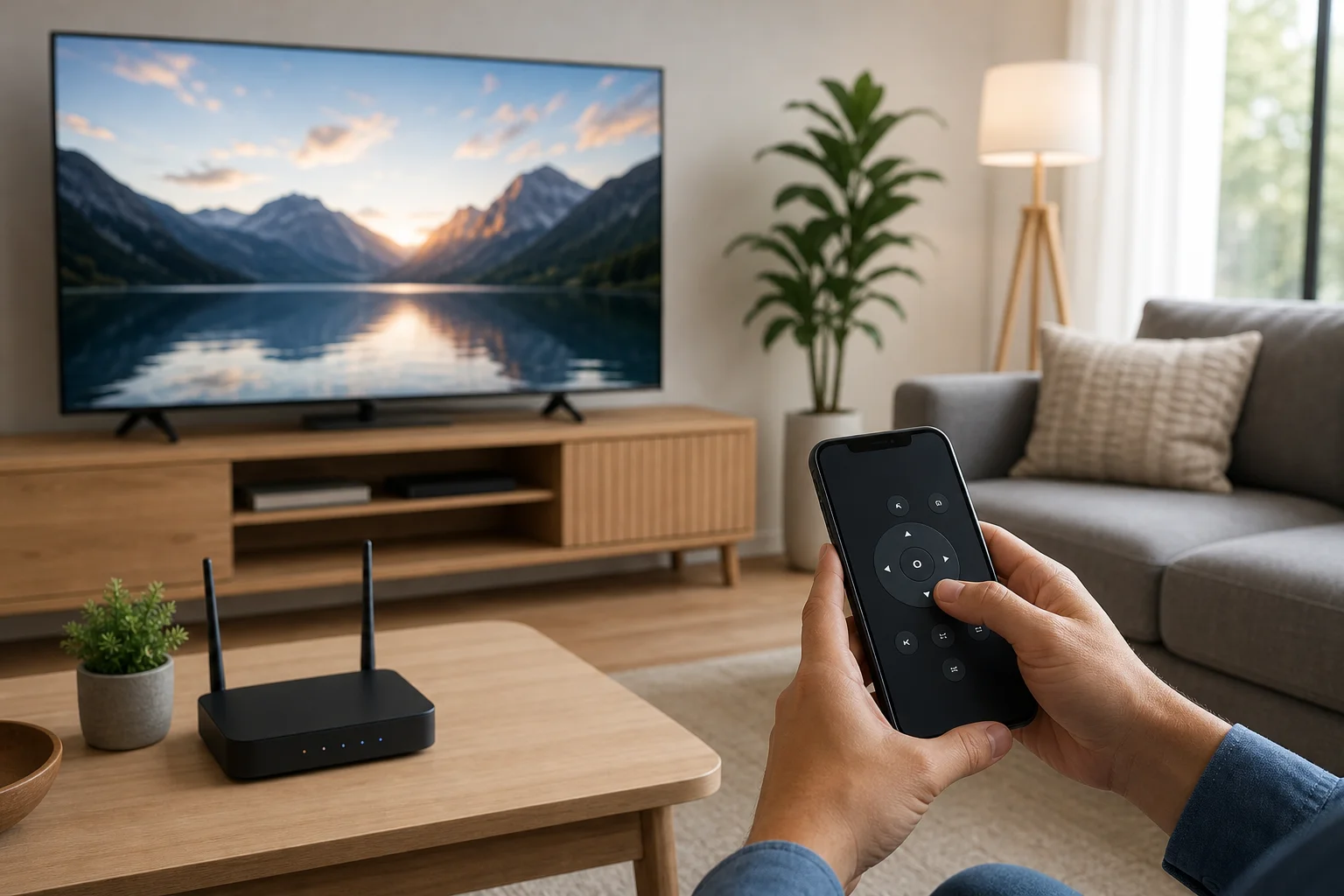
A TV remote over the internet lets you control a television from a phone, tablet, or computer even when you are not holding the physical remote. Depending on your TV and network setup, you can change apps, adjust volume, launch streaming services, or help a family member from another location. This guide explains the safest and most practical ways to set up remote TV control, compares your options, and shows what to check when it does not work.

What a TV remote over the internet can and cannot do​

Internet-based TV control sounds simple, but the details matter. Some solutions work only when your phone and TV are on the same Wi-Fi network. Others can work from outside the home through a cloud account, smart home hub, VPN, or remote support tool.

In general, you can expect to control common functions such as:

  • Power on and off, if the TV supports wake features
  • Volume and mute
  • Input selection
  • App launching
  • Playback controls such as play, pause, and rewind
  • Navigation with arrows, touchpad, or voice commands

However, there are limits. A standard infrared remote needs line of sight, so it cannot directly work over the internet without extra hardware. Also, some TVs disable network control while fully powered off. In that case, standby mode, Wake-on-LAN, HDMI-CEC, or a smart plug may be needed.
TV remote over the internet setup