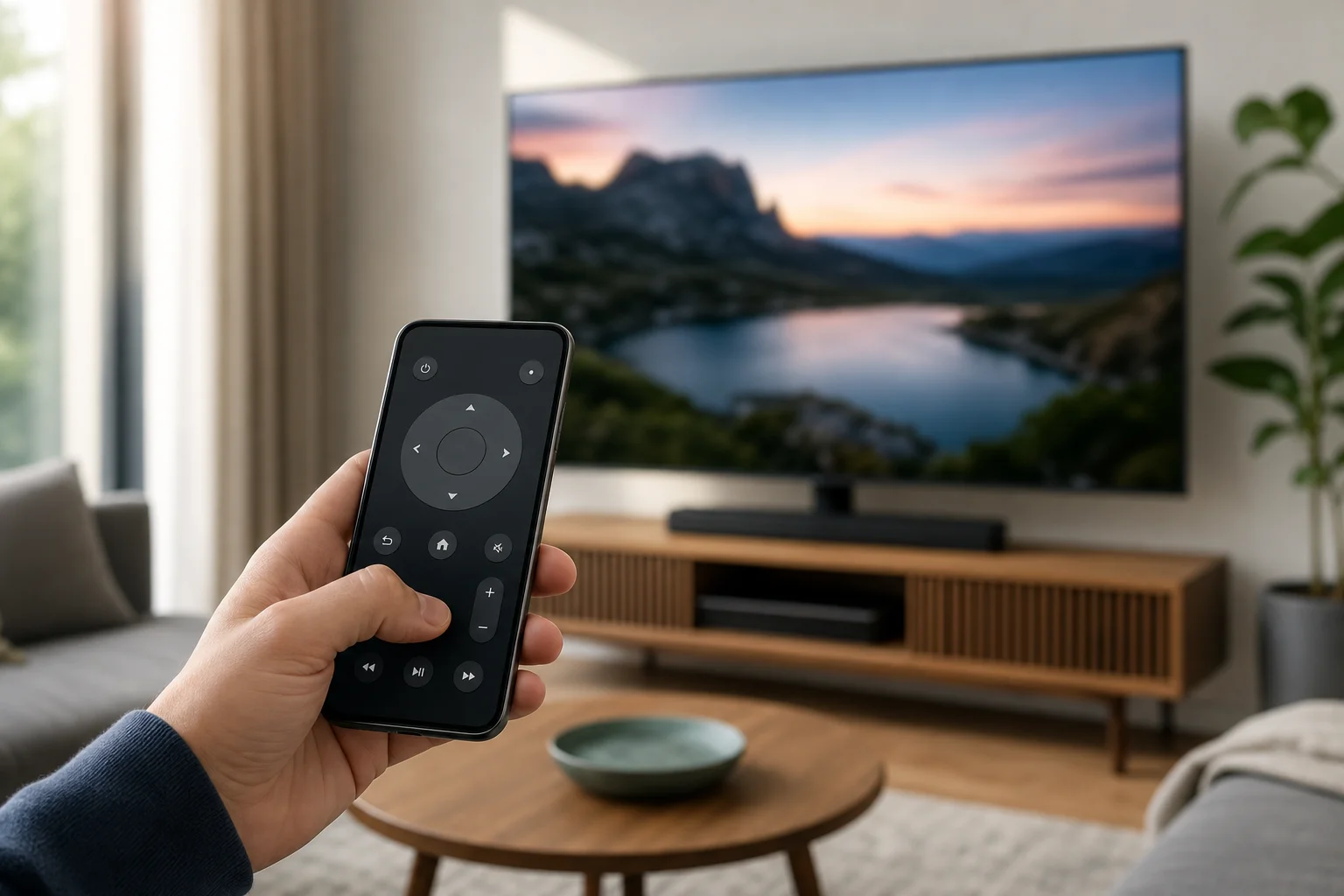
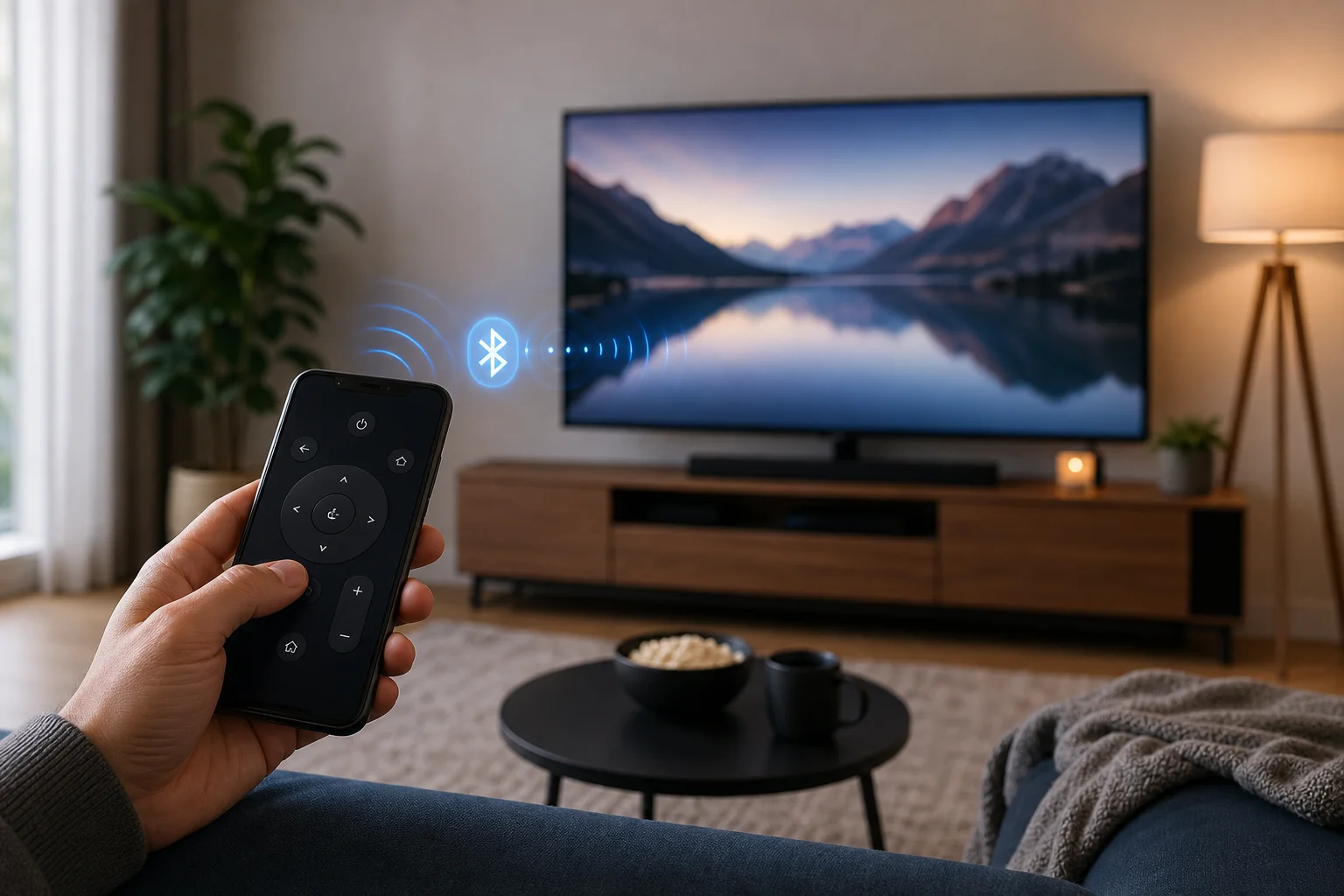
If you want to know how to use phone as remote for TV, the good news is that most modern TVs and streaming devices support it. You can control volume, open apps, type searches, navigate menus, and cast content from an Android phone or iPhone. In most cases, you only need the right app, the same Wi-Fi network, and a quick pairing code. This guide explains the best methods for smart TVs, Roku, Fire TV, Apple TV, Google TV, and older TVs with an infrared sensor.
Before you start
Using your phone as a TV remote is easiest when your TV and phone can communicate over the same network. Before installing apps, check these basics:
- Your TV or streaming device is turned on.
- Your phone and TV are connected to the same Wi-Fi network.
- Bluetooth is enabled if the remote app asks for it.
- Your TV software is up to date.
- You know the brand and model of your TV or streaming box.
- You can see the TV screen to enter or confirm a pairing code.
Some TVs also support control through an infrared blaster, often called an IR blaster. This is a small sensor on certain Android phones that works like a traditional remote. iPhones do not include built-in IR blasters, so they usually need Wi-Fi, Bluetooth, AirPlay, or a brand-specific app.