15 posts tagged with "Streaming"

View All Tags

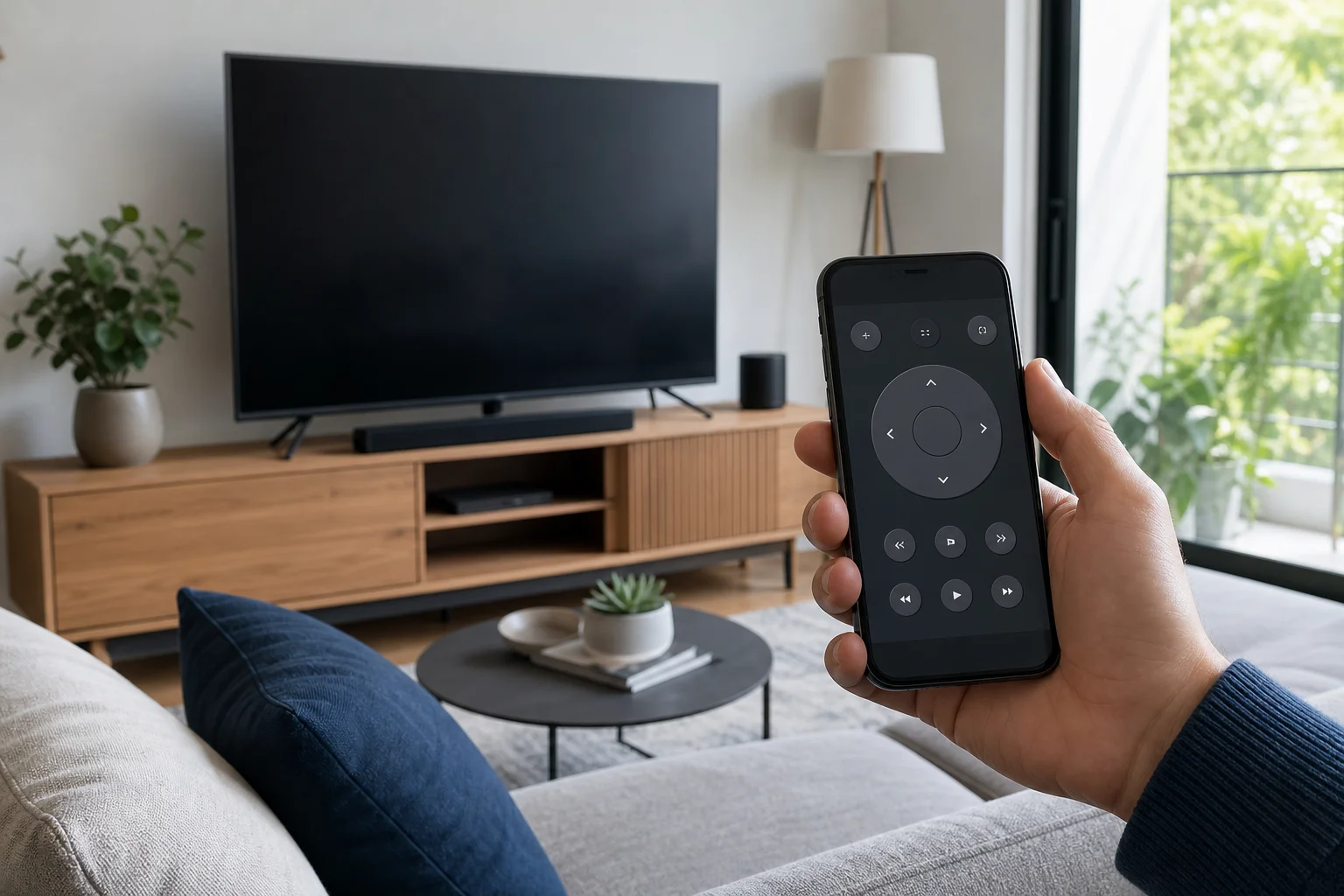
TV apps for smartphones: how to watch television on your phone

· 9 min read

TV apps for smartphones make it easy to watch live channels, catch-up TV, sports, news, and on-demand shows without a traditional television. The best choice depends on your country, budget, data plan, and whether you want free channels, premium subscriptions, or access to your existing TV provider. This guide explains the main types of mobile television apps, how to compare them, how to set them up safely, and what to check before you stream on Android or iPhone.

TV apps on smartphone

TV remote over WiFi: setup, apps, and troubleshooting

· 10 min read

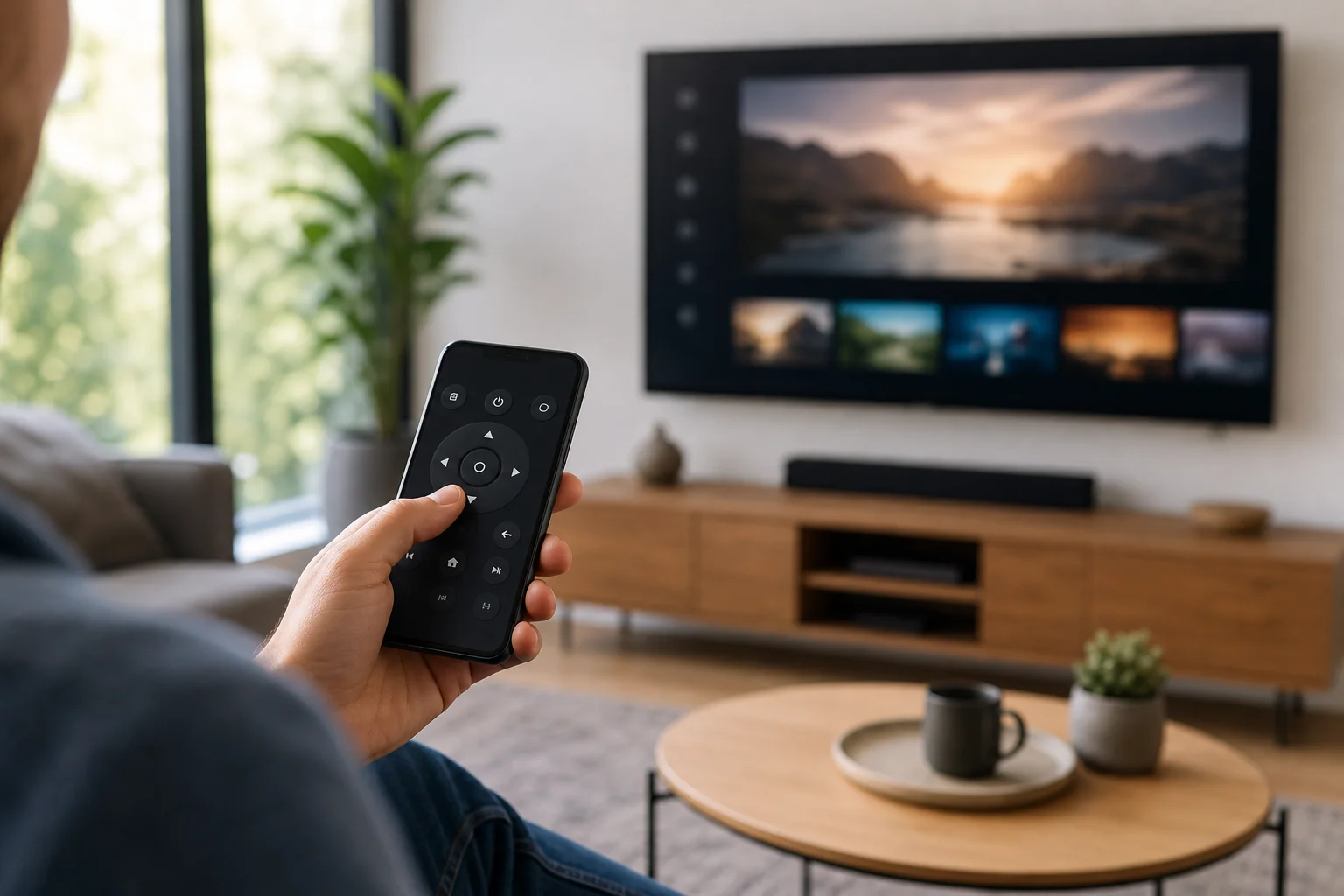
A TV remote over WiFi lets you use a phone, tablet, or smart speaker to control a compatible television through your home network. It is useful when the original remote is lost, the batteries are dead, or you want easier typing for searches and passwords. This guide explains how WiFi TV remote apps work, which devices support them, how to set one up, and what to do when your phone cannot find the TV.

TV remote over WiFi app

Пульт на телефон для смарт ТВ: how to control your smart TV from a phone

· 10 min read

A пульт на телефон для смарт ТВ is a practical way to control your television when the physical remote is lost, broken, or simply out of reach. With the right app, your Android phone or iPhone can change channels, adjust volume, type search queries, launch streaming apps, and even use voice control. This guide explains the best options, how to set them up, what to do when pairing fails, and how to choose the safest app for your smart TV.

What a phone remote for smart TV can do​

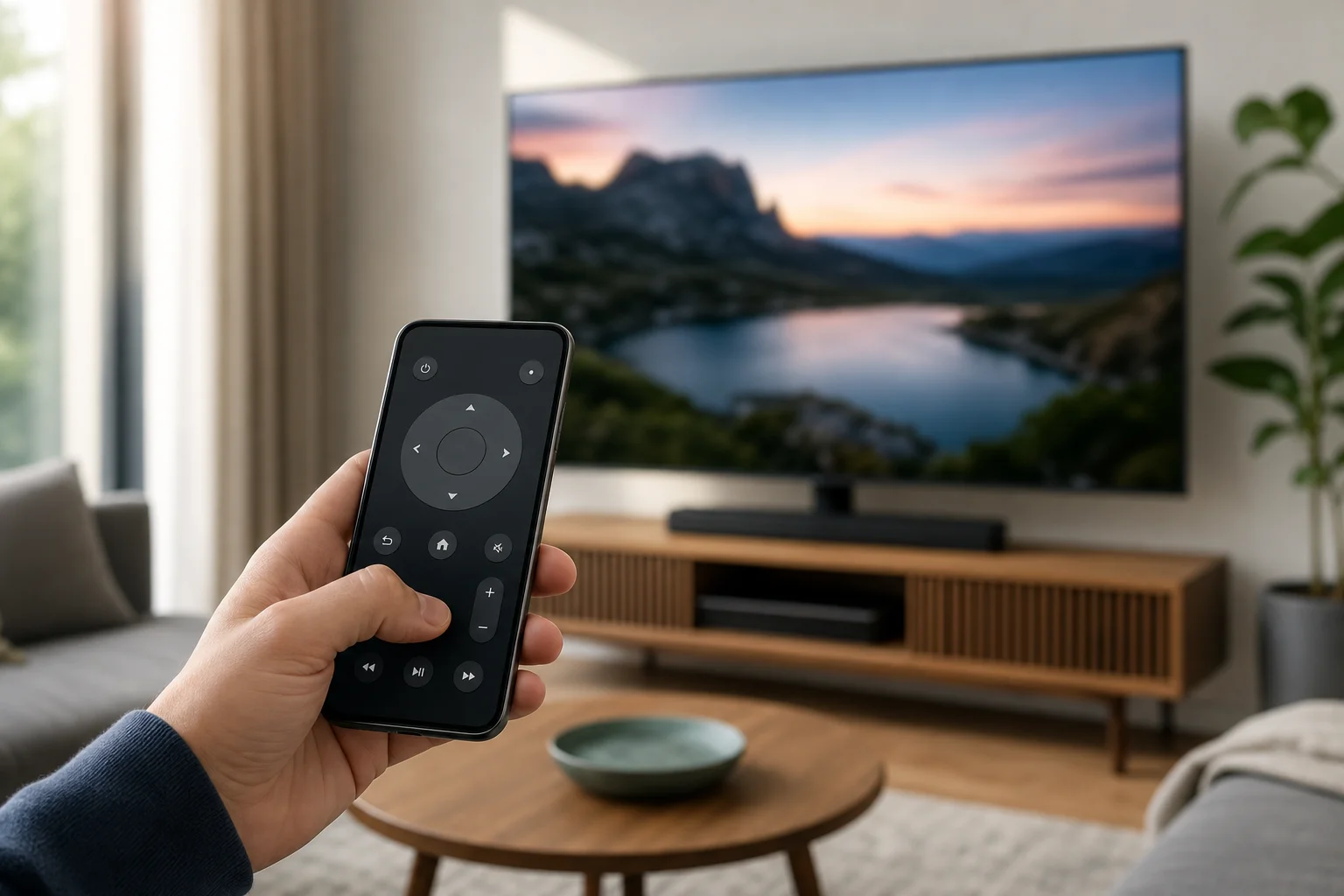
A phone remote turns your smartphone into a touchscreen controller for your TV. In most cases, it works over the same Wi-Fi network as your smart TV. Some phones and TVs also support Bluetooth, infrared, or platform-specific pairing.

Depending on your TV model and app, you may be able to:

  • Turn the TV on or off.
  • Change volume and mute sound.
  • Navigate menus with a touchpad or directional buttons.
  • Open Netflix, YouTube, Prime Video, and other installed apps.
  • Type passwords and search terms using your phone keyboard.
  • Use voice search through Google Assistant, Siri, Alexa, or the TV platform.
  • Cast photos, videos, and music from your phone.
  • Control streaming devices such as Chromecast, Roku, Fire TV, or Apple TV.

However, not every app supports every feature. Power-on control, for example, often depends on whether the TV supports wake over Wi-Fi, Bluetooth, or HDMI-CEC.
phone remote for smart TV

Apps for controlling TV from your phone: best options and setup tips

· 10 min read

Apps for controlling TV from your phone can replace a lost remote, make typing searches easier, and give you faster access to streaming controls. The best choice depends on your TV brand, streaming device, and home Wi-Fi setup. In this guide, you will learn which TV remote app to use for Samsung, LG, Roku, Fire TV, Apple TV, Google TV, and other devices, plus how to set it up safely and fix common connection problems.

TV remote app on phone

How to use phone as remote for TV

· 10 min read

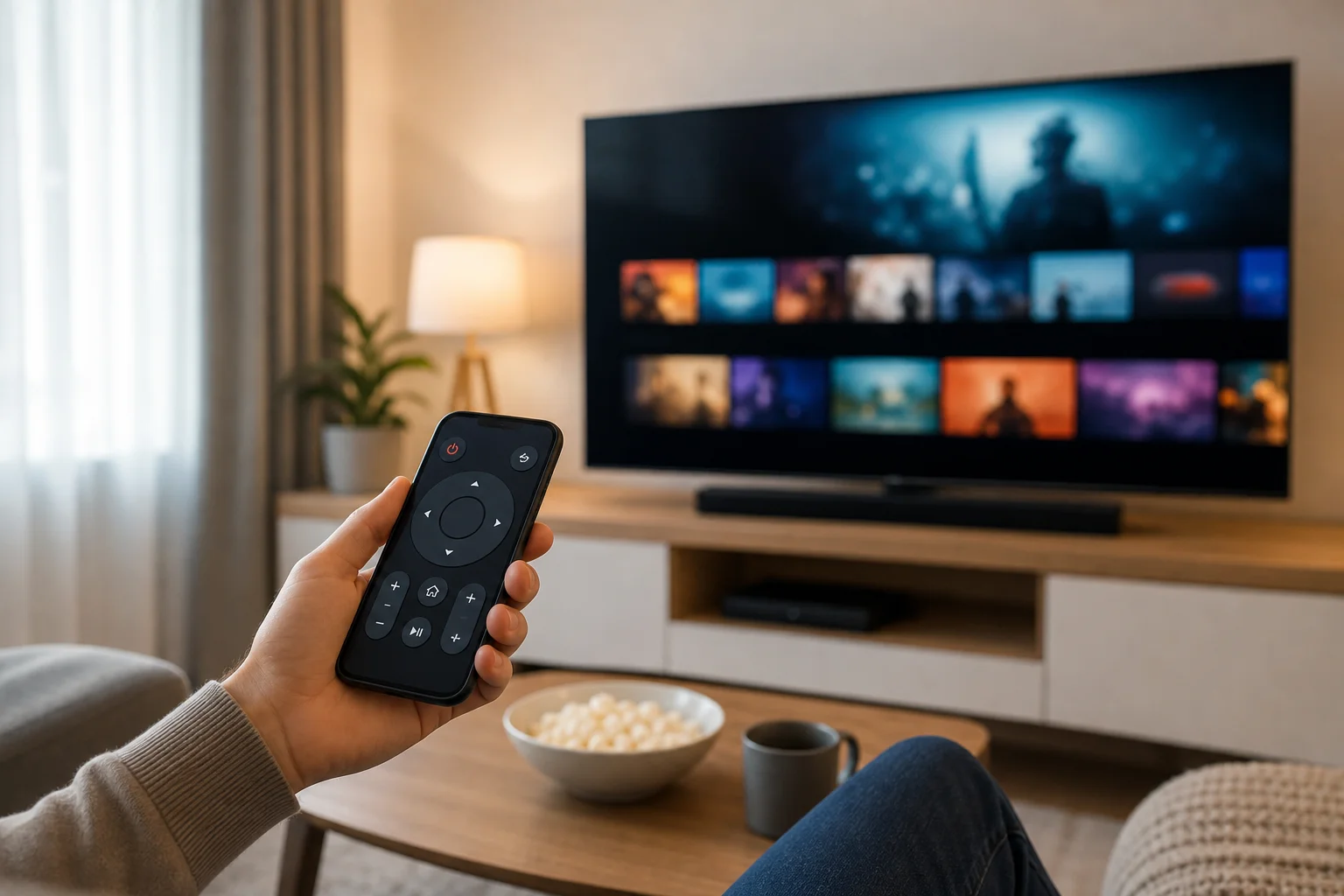
If you want to know how to use phone as remote for TV, the good news is that most modern TVs and streaming devices support it. You can control volume, open apps, type searches, navigate menus, and cast content from an Android phone or iPhone. In most cases, you only need the right app, the same Wi-Fi network, and a quick pairing code. This guide explains the best methods for smart TVs, Roku, Fire TV, Apple TV, Google TV, and older TVs with an infrared sensor.

Before you start​

Using your phone as a TV remote is easiest when your TV and phone can communicate over the same network. Before installing apps, check these basics:

  • Your TV or streaming device is turned on.
  • Your phone and TV are connected to the same Wi-Fi network.
  • Bluetooth is enabled if the remote app asks for it.
  • Your TV software is up to date.
  • You know the brand and model of your TV or streaming box.
  • You can see the TV screen to enter or confirm a pairing code.

Some TVs also support control through an infrared blaster, often called an IR blaster. This is a small sensor on certain Android phones that works like a traditional remote. iPhones do not include built-in IR blasters, so they usually need Wi-Fi, Bluetooth, AirPlay, or a brand-specific app.

phone as TV remote setup