Pult pada bahasa Rusia untuk TV: how to choose the right remote
If you are searching for pult pada bahasa Rusia untuk TV, you probably want a TV remote that is easy to use in Russian, supports Cyrillic input, or works with a TV menu set to Russian. This guide explains what “Russian-friendly” really means, which remote types to consider, how to check compatibility, and how to set up language, voice control, and keyboard input without wasting money on the wrong accessory.
A remote control does not usually “translate” a TV by itself. In most cases, the TV operating system controls the on-screen language. However, the right remote can make Russian menus, search, apps, and typing much easier.
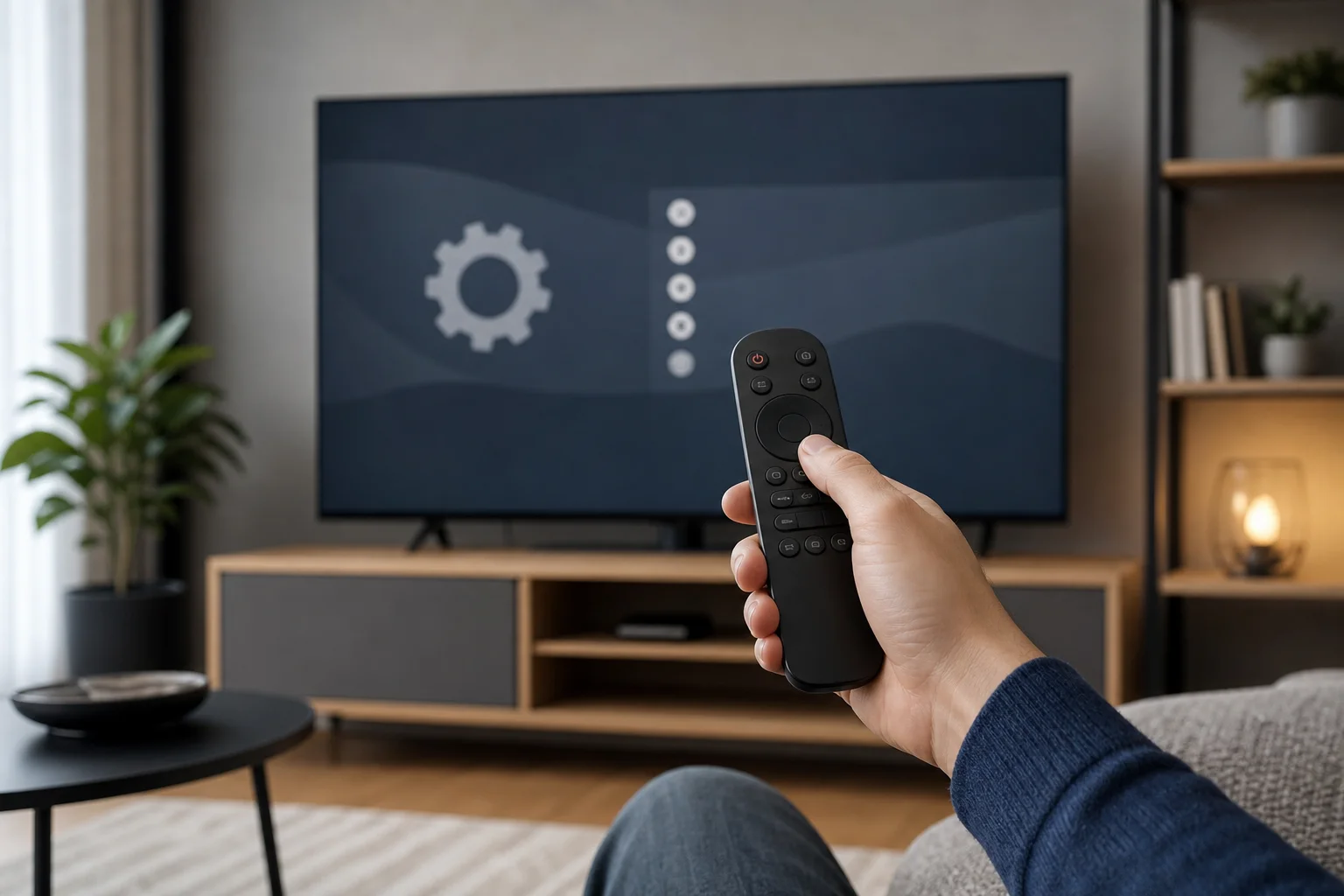
What a Russian-friendly TV remote means
A Russian-friendly TV remote can mean several different things. Before buying, decide which one matters to you.
It may refer to:
- A remote with Russian labels or familiar button layout.
- A remote that works well when the TV interface is set to Russian.
- A smart remote with Russian voice search support.
- A keyboard remote that allows Cyrillic typing.
- A mobile remote app with a Russian keyboard on your phone.
- A replacement remote for a TV bought in Russia or another Russian-speaking market.
These are not the same. For example, a simple infrared remote can change channels and volume, but it will not help much with typing Russian search queries in YouTube or an app store. On the other hand, a Bluetooth voice remote may support search, but only if the TV platform and region settings allow Russian voice recognition.
Check your TV before buying a remote
The best remote is the one that matches your TV model and how you use it. Start with the TV itself.
Find the TV model number
Look for the model number on the back of the TV, in the settings menu, or on the original box. It may look like a mix of letters and numbers. Use this exact model when searching for a replacement remote.
For example, do not search only for “Samsung remote” or “LG remote.” Search for the brand plus the full model number. This reduces the risk of buying a remote that fits the brand but misses key smart TV functions.
Check the TV operating system
Russian language support depends heavily on the operating system. Common platforms include:
- Android TV or Google TV.
- Samsung Tizen.
- LG webOS.
- Roku TV.
- Fire TV.
- Older proprietary smart TV systems.
Android TV and Google TV often support multiple interface languages and on-screen keyboards. Samsung and LG also offer broad language options, but exact voice search and app availability can vary by country, model, and firmware.
Confirm the interface language
Open your TV settings and look for language options. The path differs by brand, but it is usually under Settings, System, General, Language, or Region.
If Russian is available there, almost any compatible remote will operate the Russian interface. If Russian is not available, buying a Russian-labeled remote will not add the language to the TV.
Quick comparison of remote options
Use this table to choose the right type of pult pada bahasa Rusia untuk TV based on your needs.
| Remote option | Best for | Russian-language benefit | Main limitation |
|---|---|---|---|
| Original replacement remote | Restoring normal TV control | Full compatibility with TV functions | May be expensive or hard to find |
| Universal infrared remote | Basic control on many TVs | Simple use after TV language is set to Russian | Limited smart TV features |
| Learning remote | Replacing a damaged remote | Can copy functions from an old remote | Requires working original remote for setup |
| Bluetooth smart remote | Smart TV navigation and voice | May support voice search and app shortcuts | Must match TV platform and pairing method |
| Air mouse keyboard remote | Typing, browsing, search | Easier Cyrillic input with keyboard layouts | Some apps may not accept all keys |
| Mobile remote app | Free or low-cost control | Uses phone keyboard for Russian typing | Requires Wi-Fi and supported TV/app |
For most users, an original replacement remote is the safest choice. For heavy search and streaming use, a mobile app or keyboard remote may be more practical.
How to choose the right pult pada bahasa Rusia untuk TV
Follow these steps to avoid common compatibility problems.
- Write down the exact TV model. Use the full model number, not just the brand name.
- Decide what you need in Russian. Do you need Russian menu navigation, Cyrillic typing, Russian voice search, or only a familiar layout?
- Check the signal type. Basic remotes often use infrared. Smart remotes may use Bluetooth, radio frequency, or both.
- Look for model compatibility. The product page should list your TV model or a clearly compatible series.
- Check smart functions. If you need Netflix, YouTube, home, microphone, pointer, or settings buttons, make sure they are supported.
- Confirm Russian input options. For typing, check whether the remote has a keyboard, supports language switching, or works with an on-screen Cyrillic keyboard.
- Review return rules. Remote compatibility can be tricky, so a clear return policy is useful.
- Avoid vague listings. Be careful with products described only as “for all TVs” if you need smart features.
This process is simple, but it prevents most buying mistakes.
Setting up Russian language on a smart TV
Once you have a compatible remote, set the TV language correctly. The exact names vary, but the process is similar on most modern TVs.
Step-by-step setup
- Turn on the TV and press the Settings or Home button.
- Open Settings.
- Go to System, General, or Device preferences.
- Select Language.
- Choose Russian if it is available.
- Check Region or Country settings if apps or voice search do not behave as expected.
- Restart the TV if the language does not apply immediately.
- Open a search field and test Cyrillic input.
If Russian is missing, update the TV firmware. If it is still unavailable, the model or regional firmware may not include it.
Russian voice search and smart assistants
Voice search can be very convenient, but it is not guaranteed. A microphone button on the remote does not automatically mean Russian voice support.
Several factors matter:
- The TV operating system.
- The selected system language.
- The account region.
- The app being used.
- The voice assistant available on that model.
- Firmware and service availability.
On Android TV and Google TV, Russian voice input may work when the system and input language are configured correctly. On other platforms, support can vary more. If voice control is essential, check the manufacturer’s support page for your exact model before buying a smart remote.
Cyrillic typing options
Typing with a standard TV remote is slow in any language. In Russian, it can be even more frustrating if the keyboard layout is hard to access. Fortunately, there are better options.
Use the on-screen keyboard
Most smart TVs show an on-screen keyboard when you click a search or login field. If the TV language is Russian, the Cyrillic layout may appear by default. If not, look for a globe, language, or settings icon on the keyboard.
Use a mobile remote app
A phone app is often the easiest way to type Russian on a TV. Many TV brands offer official remote apps. Some platforms also support general casting or remote control apps.
Benefits include:
- Fast Cyrillic typing with your phone keyboard.
- Easier login for streaming services.
- Touchpad navigation on some TVs.
- No need to buy extra hardware.
However, your phone and TV usually need to be on the same Wi-Fi network.
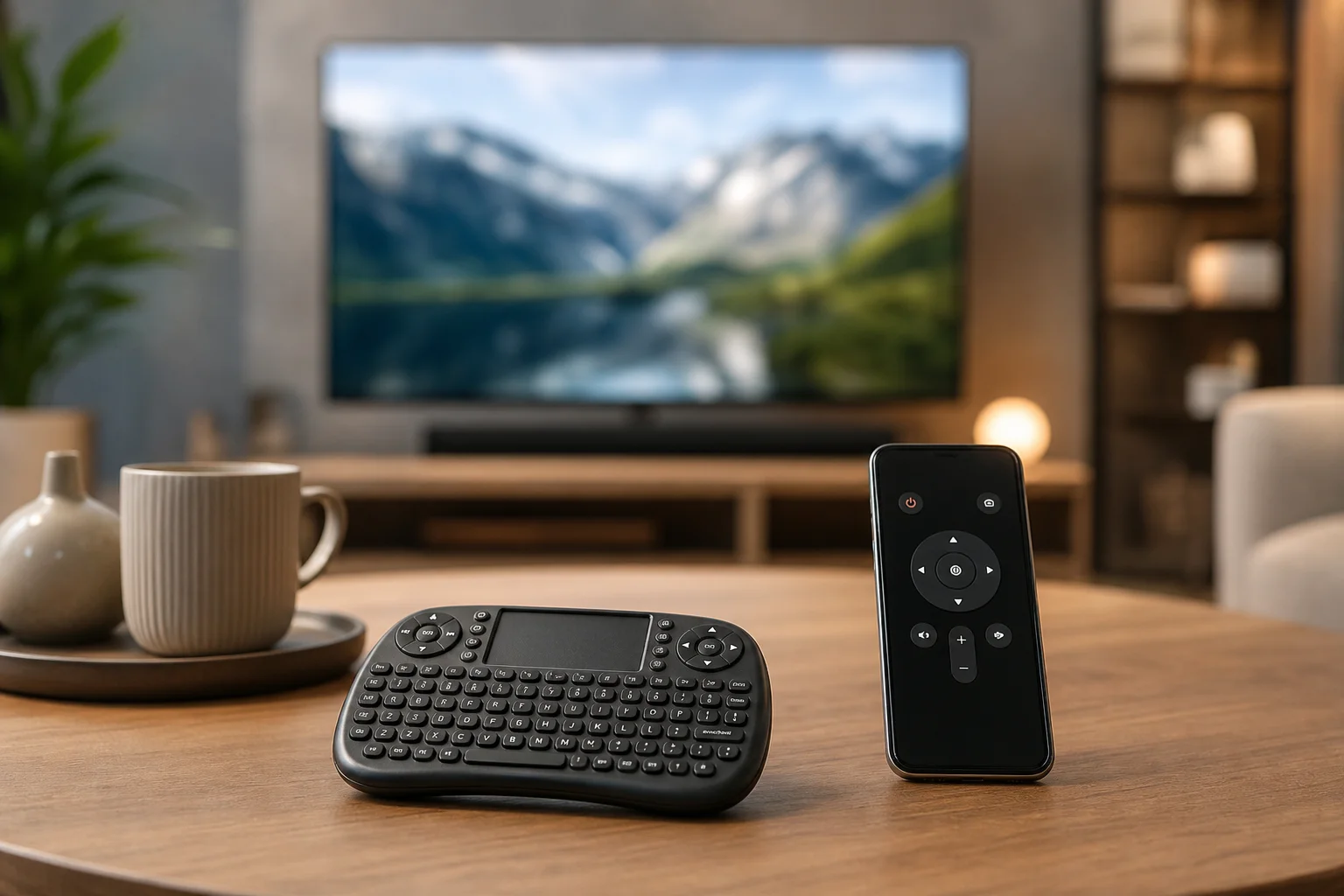
Use a keyboard remote
A compact wireless keyboard or air mouse can help if you often search, browse, or enter passwords. Choose one that supports your TV platform and has a simple way to switch input languages. Remember that some TV apps limit external keyboard support, even when the main TV menu works well.
Common compatibility problems
Even a good remote can fail if it does not match the TV correctly. Here are the most common issues and what to do.
The remote changes volume but smart buttons do not work
This often happens with universal infrared remotes. They can handle power, volume, and channels but may not fully control smart TV features. Use an original remote, a model-specific replacement, or the official mobile app.
The microphone button does nothing
The remote may need Bluetooth pairing. Open the TV’s remote or accessory settings and pair it again. Also check batteries, firmware, and whether voice services are available in your region.
The TV menu is not in Russian
The remote is not the cause. Go to the TV language settings. If Russian is unavailable, update the firmware or check whether your regional model supports it.
Cyrillic keyboard does not appear
Check the system language, input language, and keyboard settings. On Android TV or Google TV, you may need to add Russian as an input language. In some apps, the app’s own keyboard may override the TV keyboard.
Buying tips for replacement remotes
When shopping online, product photos and descriptions can be misleading. Use these practical checks:
- Match the remote model number if possible.
- Compare button layout with your old remote.
- Check whether batteries are included.
- Look for pairing instructions in the listing.
- Read reviews from users with the same TV brand.
- Avoid remotes with unclear brand or compatibility details.
- Prefer sellers that accept returns.
If your old remote still works partly, take a photo of it before shopping. This makes it easier to compare buttons and design.
FAQ about pult pada bahasa Rusia untuk TV
Can I make any TV remote Russian?
Not exactly. You can set many TVs to a Russian interface, but the remote itself does not usually change language. If you need Russian labels or Cyrillic typing, choose a remote, keyboard, or app that supports those features.
Will a universal remote work with a Russian TV menu?
Yes, if it is compatible with your TV. The menu language is controlled by the TV, not the remote. However, universal remotes may not support all smart TV buttons or voice functions.
Do I need a Russian remote for Russian voice search?
No. You need a compatible smart remote with a microphone, plus TV software that supports Russian voice input. The button labels are less important than platform support and correct settings.
What is the best option for typing Russian on a TV?
A mobile remote app is usually the easiest option because it uses your phone’s Russian keyboard. A wireless keyboard remote is also useful if you type often.
Why does my replacement remote not pair with the TV?
It may be infrared-only, designed for a different model, or already paired incorrectly. Check the product instructions, replace the batteries, restart the TV, and run the pairing process again.
Conclusion
Choosing the right pult pada bahasa Rusia untuk TV starts with your TV model, not the remote’s appearance. First confirm that your TV supports Russian language settings. Then choose an original replacement, universal remote, smart voice remote, keyboard remote, or mobile app based on how you watch and search. Check compatibility before you buy, follow the setup steps, and test Russian menus, voice, and Cyrillic input right away so you can enjoy easier TV control without frustration.