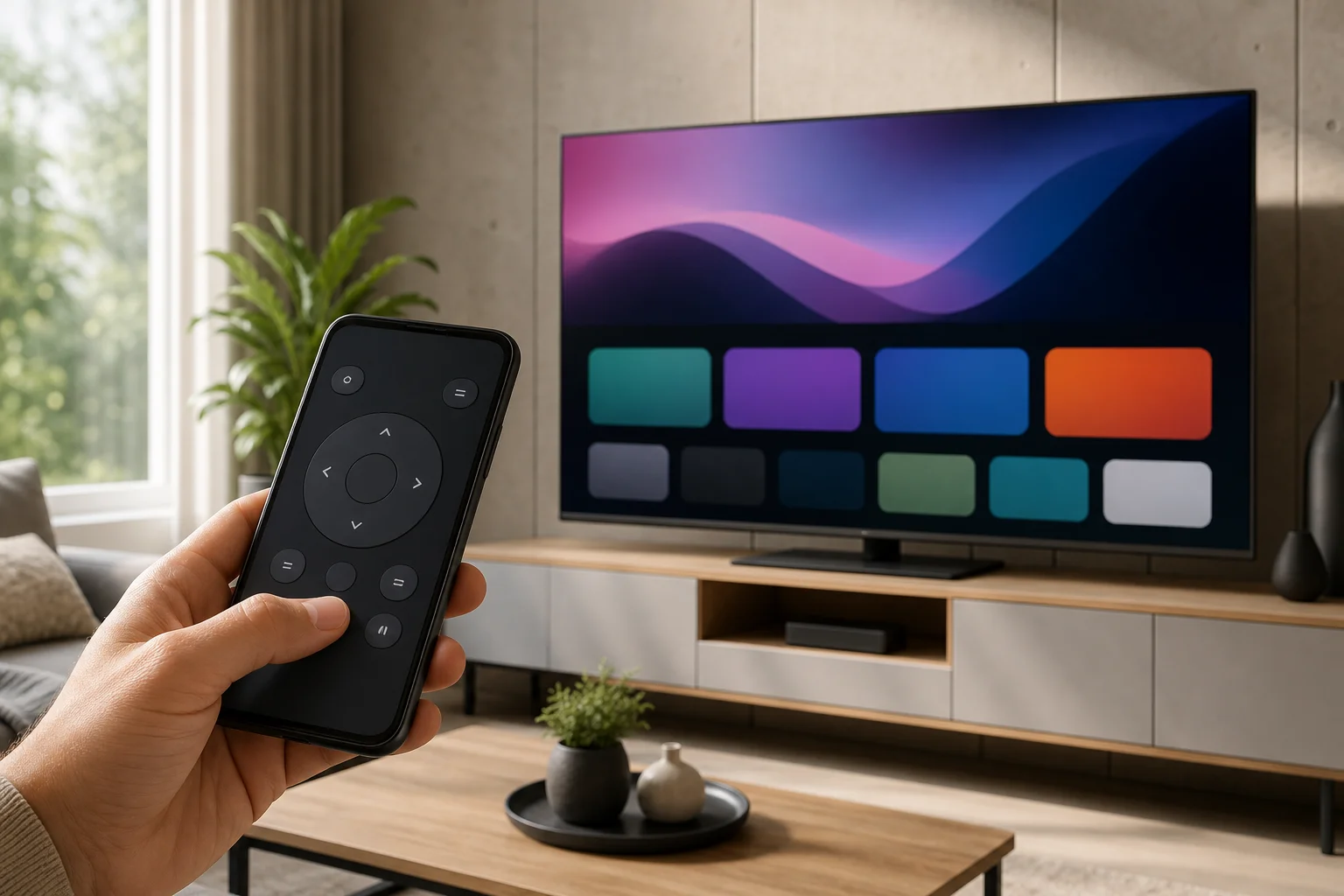
Remote for LG TV on smartphone
A remote for LG TV on smartphone is one of the easiest ways to control your television when the physical remote is missing, broken, or simply out of reach. With the official LG ThinQ app, your phone can change channels, adjust volume, open apps, use a touchpad, and enter text much faster than a standard remote. This guide explains how to set it up, which phones and TVs are supported, what to do if pairing fails, and when third-party remote apps may be useful.
What you need before you start
Before installing an LG TV remote app, check a few basic requirements. Most connection issues come from network settings, outdated software, or using an app that does not match your TV model.
You will need:
- An LG Smart TV, usually running webOS.
- An Android phone or iPhone.
- The official LG ThinQ app from Google Play or the App Store.
- A shared Wi-Fi network for both the TV and smartphone.
- The TV turned on and connected to the internet.
- Permission to pair a new device on the TV screen.
For the smoothest experience, update your LG TV firmware first. On most LG TVs, you can do this through Settings > Support > Software update. Also update your phone’s operating system and the LG ThinQ app.