Como encontrar um controle remoto para sua TV
If you need to know how to find a remote for your TV, start by checking whether you are looking for a lost remote, a replacement remote, or a better universal option. The right choice depends on your TV brand, model number, control type, and smart TV platform. This guide explains how to identify the correct remote, compare original and universal remotes, use phone apps, and avoid buying an incompatible controller.
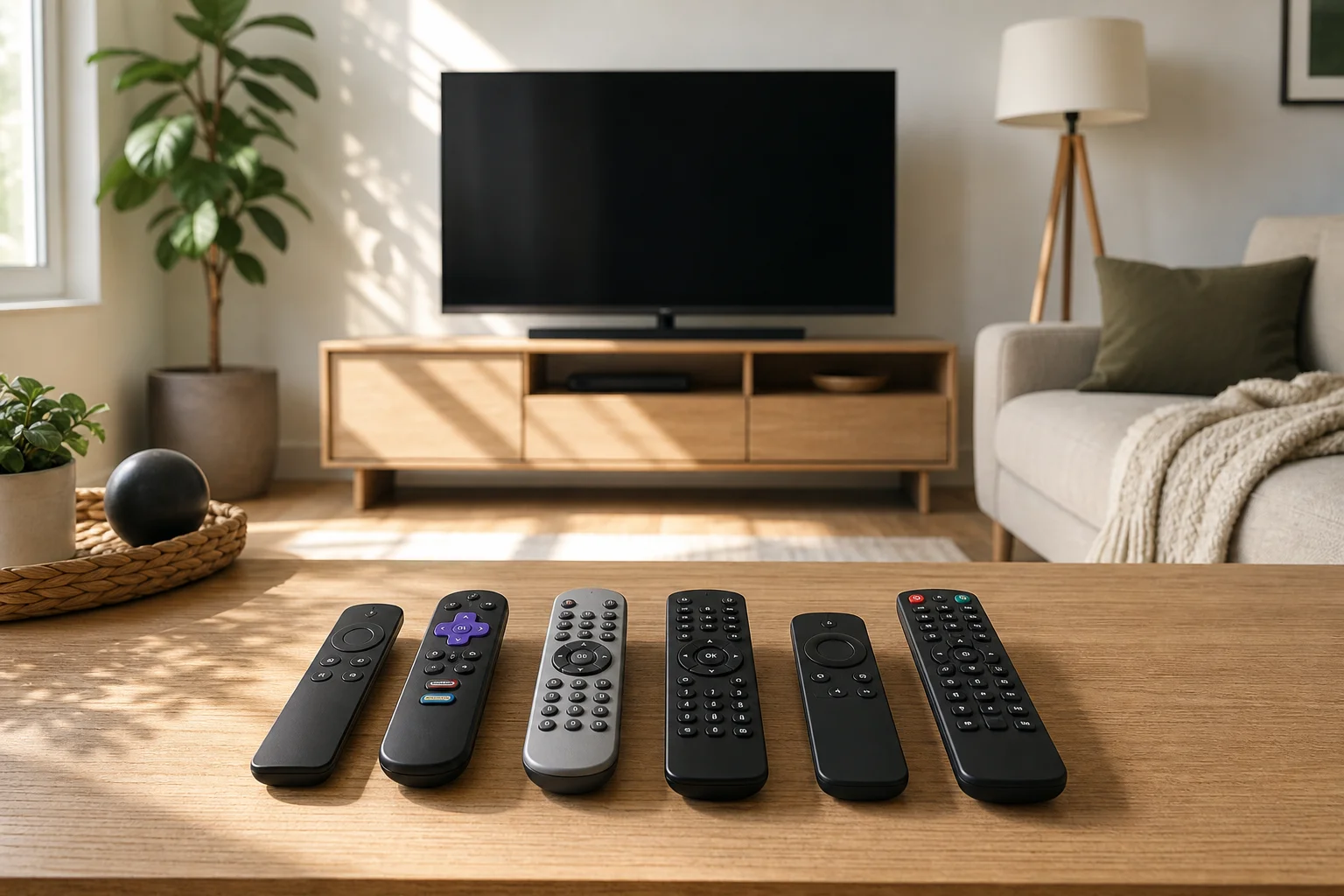
Primeiro, identifique que tipo de controle você precisa
Before buying anything, decide what problem you are solving. A remote that looks right is not always compatible, and a cheap universal remote may not support every smart TV feature.
You are likely in one of these situations:
- Seu controle está perdido: Você precisa de um método de controle temporário primeiro, então um substituto se não aparecer.
- Seu controle está quebrado: Você pode precisar do mesmo modelo, uma substituição compatível, ou um controle remoto universal.
- Você comprou uma TV usada sem controle: Você precisa identificar o modelo da TV e combinar com o controlador correto.
- Você quer um controle para vários dispositivos: Um controle remoto universal ou configuração HDMI-CEC pode ser o melhor.
- Você só precisa de recursos inteligentes: Um aplicativo de telefone pode funcionar se a TV já estiver conectada ao Wi-Fi.
This first step saves time because TV remotes use different technologies. Some use infrared, also called IR. Others use Bluetooth, radio frequency, or Wi-Fi-based control for voice search and smart menus.
Verifique a marca da TV e o número do modelo
The fastest way to find a compatible TV remote is to locate the exact model number of your television. Do not rely only on the screen size or brand name. A 55-inch Samsung TV, for example, may use a different remote depending on the year, region, and smart platform.
Look for the model number in these places:
- Na parte de trás da TV: Check the sticker or rating label. It usually lists the model, serial number, and power information.
- No menu de configurações da TV: If you can still control the TV, open settings and look for “About,” “Support,” “Device information,” or “System information.”
- Na caixa original ou recibo: Retailers often print the full model code on the invoice.
- No manual do usuário: The model family and compatible accessory numbers may be listed.
- Na sua conta da loja online: If you bought the TV online, your order history may show the exact model.
Write the model number exactly as shown. Include letters, numbers, and suffixes. These suffixes can matter when matching a remote.
Use este método passo a passo para encontrar o controle certo
Follow these steps if you want the most reliable result.
- Encontre o número do modelo da TV. Use the label on the back of the TV or the settings menu.
- Busque pela marca mais número do modelo mais “controle remoto.” For example, search “Sony KD-55X remote” or “LG OLED remote replacement.”
- Compare o layout dos botões e recursos. Check whether the remote has voice control, a microphone button, number keys, app shortcuts, or a pointer function.
- Verifique o número da peça do controle remoto. If your old remote has a code inside the battery cover, search that code too.
- Confirme o tipo de controle. Make sure the listing supports IR, Bluetooth, or both, depending on your TV.
- Leia a lista de compatibilidade. Look for your exact TV model, not only the brand.
- Verifique os termos de retorno. Choose a seller that allows returns if pairing fails.
- Teste funções básicas primeiro. Power, volume, input, home, and menu buttons should work before you rely on advanced features.
This process is more dependable than buying the first remote that “looks similar.”
Original, universal ou controle do app: qual você deve escolher?
Different remote options suit different needs. Use this comparison to decide.
| Opção | Melhor para | Vantagens | Limitações |
|---|---|---|---|
| Controle remoto do fabricante original | Suporte total aos recursos | Normalmente suporta todas as funções da TV, controle de voz e menus inteligentes | Pode custar mais e pode ser mais difícil de encontrar para TVs mais antigas |
| Controle remoto de substituição compatível | Uso básico do dia a dia | Muitas vezes mais barato e fácil de comprar online | Alguns botões ou recursos de voz podem não funcionar |
| Controle remoto universal | Controlar vários dispositivos | Pode controlar TV, soundbar, set-top box ou Blu-ray player | Códigos de configuração podem ser necessários, e recursos inteligentes podem ser limitados |
| App de controle remoto para smartphone | Controle temporário ou de TV inteligente | Conveniente se a TV estiver na mesma rede | Normalmente requer configuração de Wi-Fi e pode não ligar todas as TVs |
| Controle HDMI-CEC | Controle simples através de outro dispositivo | Permite que um streaming box ou console controle volume e potência | Depende do suporte da TV e do dispositivo |
If you want the simplest answer, buy an original remote or a well-reviewed compatible replacement for your exact model. If you want fewer remotes on the coffee table, choose a universal remote or enable HDMI-CEC.
Como usar seu telefone como controle remoto da TV
A smartphone can be a useful temporary remote, especially for smart TVs. However, it works best when the TV is already connected to the same Wi-Fi network as your phone.
Common app options include:
- App Google TV: Works with many Android TV and Google TV devices.
- Apple Home ou controles AirPlay: Useful for compatible smart TVs and Apple TV devices.
- App Roku: Controls Roku TVs and Roku streaming devices.
- App Fire TV: Works with Amazon Fire TV devices and Fire TV Edition televisions.
- Apps de fabricantes: Samsung, LG, Sony, TCL, Hisense, e outras marcas podem oferecer seus próprios apps de controle remoto.
To set up a phone remote, install the official app, connect your phone to the same Wi-Fi network, and follow the pairing instructions. If the TV is not connected to Wi-Fi, you may need a physical remote, USB keyboard, Ethernet connection, or buttons on the TV to complete setup.
Verifique se o controle usa IR, Bluetooth ou Wi-Fi
Understanding the control method helps you avoid compatibility problems.
Controles IR
Infrared remotes are common and simple. They need a clear line of sight to the TV. If your old remote has a small dark window at the front, it may be an IR remote. Many universal remotes support IR codes.
Controles Bluetooth
Bluetooth remotes are common on modern smart TVs. They do not need direct line of sight and may support voice control. However, they often require pairing. A Bluetooth remote may turn the TV on with IR but use Bluetooth for voice and smart controls.
Controles Wi-Fi e de app
Phone apps and some smart home controls use Wi-Fi. They are convenient but depend on the TV being connected to the network. They are not always suitable as the only setup tool for a new or reset TV.
Onde comprar um controle remoto de substituição para a TV
Once you know the TV model and remote type, you can shop with more confidence. Reliable places to check include:
- A loja oficial de peças do fabricante da TV ou site de suporte
- Centros de serviço autorizados
- Principais varejistas de eletrônicos
- Mercados online respeitáveis
- Vendedores especializados em substituição de controle remoto
- Lojas de conserto locais ou lojas de eletrônicos de segunda mão
When buying online, inspect photos carefully. Check the button layout, battery type, pairing notes, and compatible model list. Be cautious with vague listings such as “works with all smart TVs.” Some do, but many only support basic power and volume functions.
Como emparelhar um controle remoto de substituição
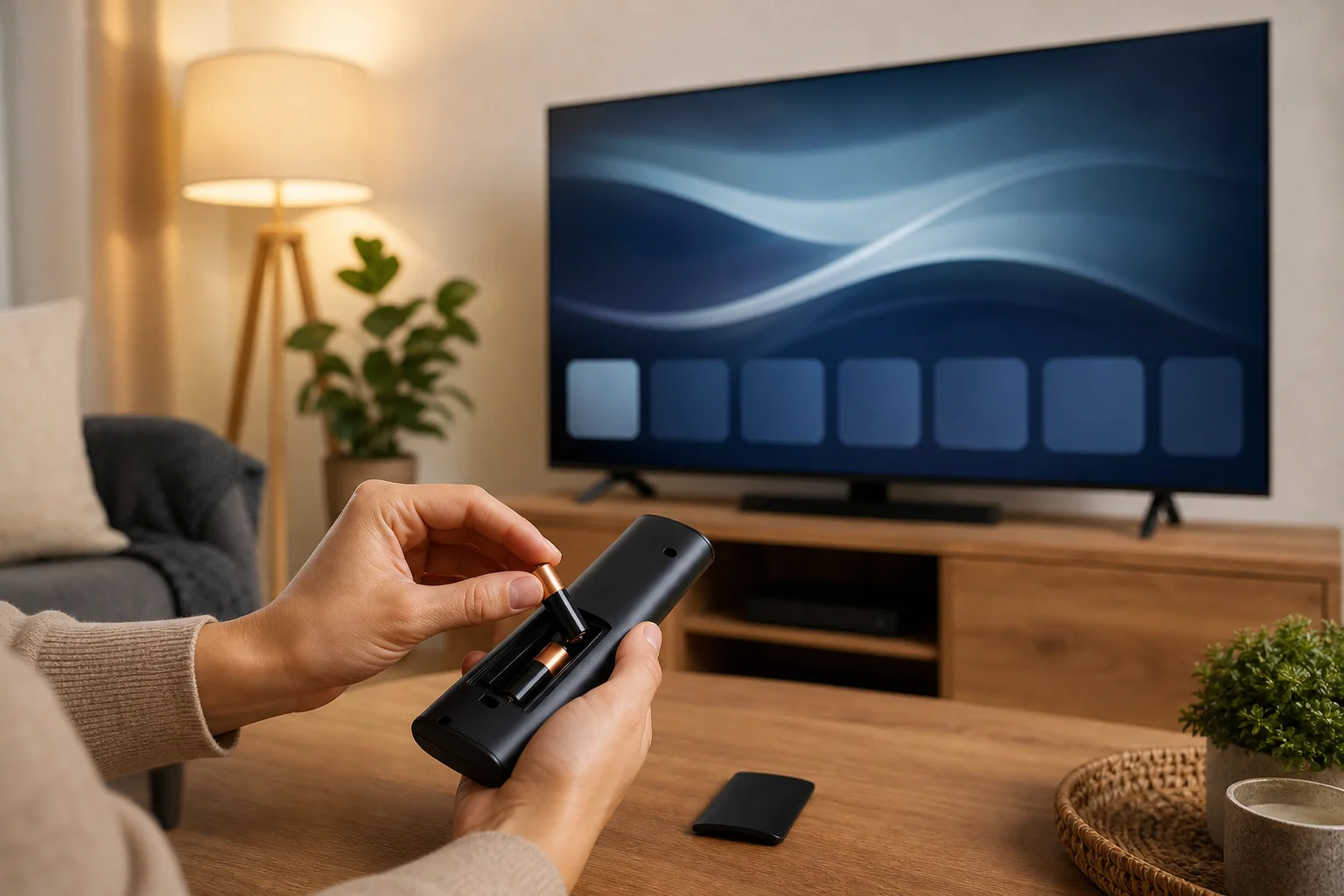
Pairing steps vary by brand, but the process is usually simple. First, insert fresh batteries. Then stand close to the TV and try the basic power button. If the remote has Bluetooth or voice control, you may need to pair it manually.
Common pairing methods include:
- Holding Voltar and Início together for several seconds
- Holding Retornar and Reproduzir/Pausar together
- Pressing a dedicated Parear button inside the battery compartment
- Opening the TV’s settings menu and selecting “Controle remoto,” “Acessórios,” or “Dispositivos Bluetooth”
- Restarting the TV, then holding the pairing buttons when prompted
If pairing fails, remove the batteries, unplug the TV for one minute, plug it back in, and try again. Also make sure the remote is not already paired with another device.
O que fazer se você perdeu o controle em casa
If you are trying to find a lost TV remote, use a systematic search rather than checking the same places repeatedly.
Start with the areas where remotes usually hide:
- Between sofa cushions
- Under blankets, pillows, and magazines
- Behind or under the sofa
- On nearby shelves or side tables
- In the kitchen, bedroom, or bathroom
- In children’s play areas
- Inside bags, laundry baskets, or drawers
Next, retrace your last viewing session. Think about whether you carried snacks, answered the door, or moved to another room. If your remote supports a “find my remote” feature, check the TV menu or companion app. Some streaming devices and premium remotes can make the remote beep.
For the future, attach a Bluetooth tracker, use a bright silicone cover, or keep the remote in a fixed tray near the TV.
Erros comuns de compatibilidade a evitar
Several mistakes cause people to buy the wrong TV remote.
Avoid these errors:
- Buying only by screen size
- Assuming all remotes from the same brand are identical
- Ignoring the TV’s full model suffix
- Choosing a remote without voice support when you need voice search
- Buying a Bluetooth remote when the TV only supports IR
- Buying an app-based solution when the TV is not connected to Wi-Fi
- Forgetting that soundbars and cable boxes may need separate control
Also check whether you need direct TV control or control for a streaming device. A Roku TV remote and a Roku streaming stick remote may not be the same. Likewise, a Fire TV remote may control the streaming interface but not every TV setting.
FAQ sobre encontrar um controle remoto para TV
Posso usar qualquer controle com a minha TV?
No. Some universal remotes can control many TVs, but you still need the right code or compatibility profile. Smart features, voice search, and app buttons may require a specific remote.
Como faço para encontrar o número do modelo do controle remoto?
Open the battery compartment and look for a printed code on the label or plastic shell. You can also search your TV model number plus “remote part number.”
Um controle remoto original é melhor que um controle remoto universal?
Usually, yes, if you want every feature to work. A universal remote is better if you want to control several devices and only need common functions.
Posso controlar minha TV sem um controle remoto?
Yes. You may be able to use buttons on the TV, a smartphone app, HDMI-CEC from a streaming device, a USB keyboard, or a universal remote. Availability depends on your TV model.
Por que meu controle remoto de substituição liga a TV, mas não controla o menu?
The power button may use IR, while menu, voice, or pointer controls may require Bluetooth pairing. Pair the remote through the TV settings or follow the button combination in the manual.
Qual é a forma mais segura de comprar um controle remoto online?
Search by the exact TV model number, compare the button layout, read the compatibility list, and choose a seller with clear return terms. If possible, buy from the manufacturer or an authorized seller.
Conclusão
To find the right remote for your TV, begin with the exact TV model number, then choose between an original remote, a compatible replacement, a universal remote, or a phone app. Check the control type, confirm compatibility, and review return options before you buy. If the remote is simply lost, search methodically and use an app or TV buttons as a temporary fix. Take these steps now, and you can restore control of your TV without wasting money on the wrong remote.